Find the offer
that earns the click.
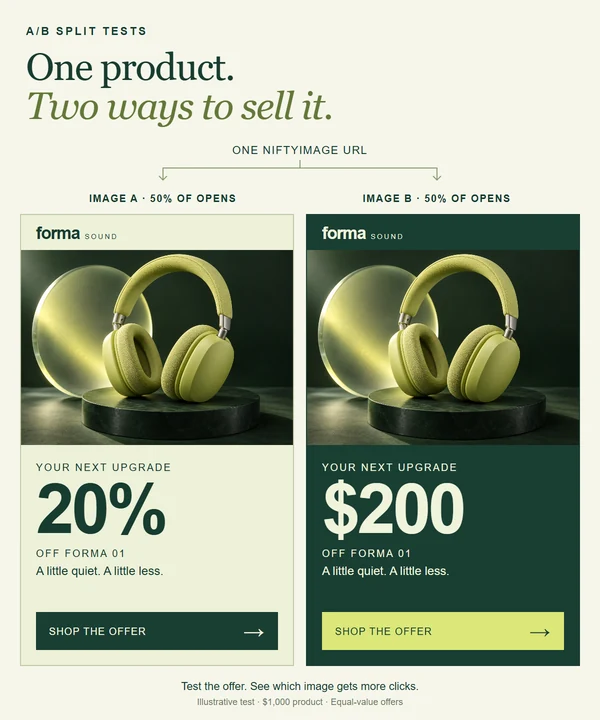
Would your audience respond to 20% off or the same saving shown as $200 off? Use A/B Split Tests to compare image variants in one email, then serve the winning creative after the test.
One image URL and one tracking link fit into your existing email builder.
Give your next campaign
a question to answer.
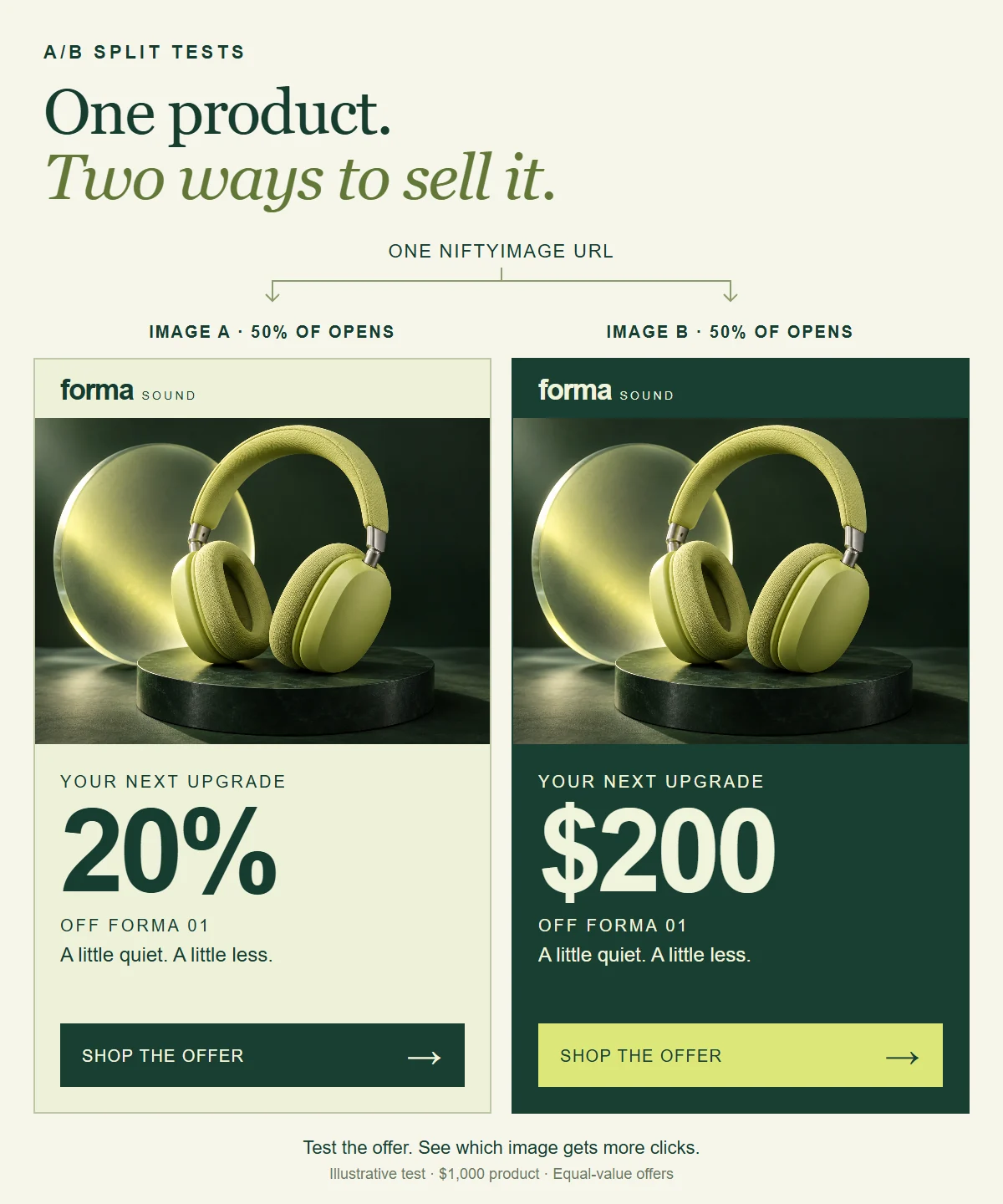
Compare two ways to present an offer, a product shot against lifestyle photography, or an animated banner against a still image. Start with one change so you can learn what made the difference.
The offer comparison above shows both alternatives for explanation. Each recipient sees an assigned variant. The shoe example cycles through different creative in the same email image space.
You can test more than two variants, using uploaded images or other NiftyImage types, such as personalized images and countdown timers.
Sign up to try your own comparison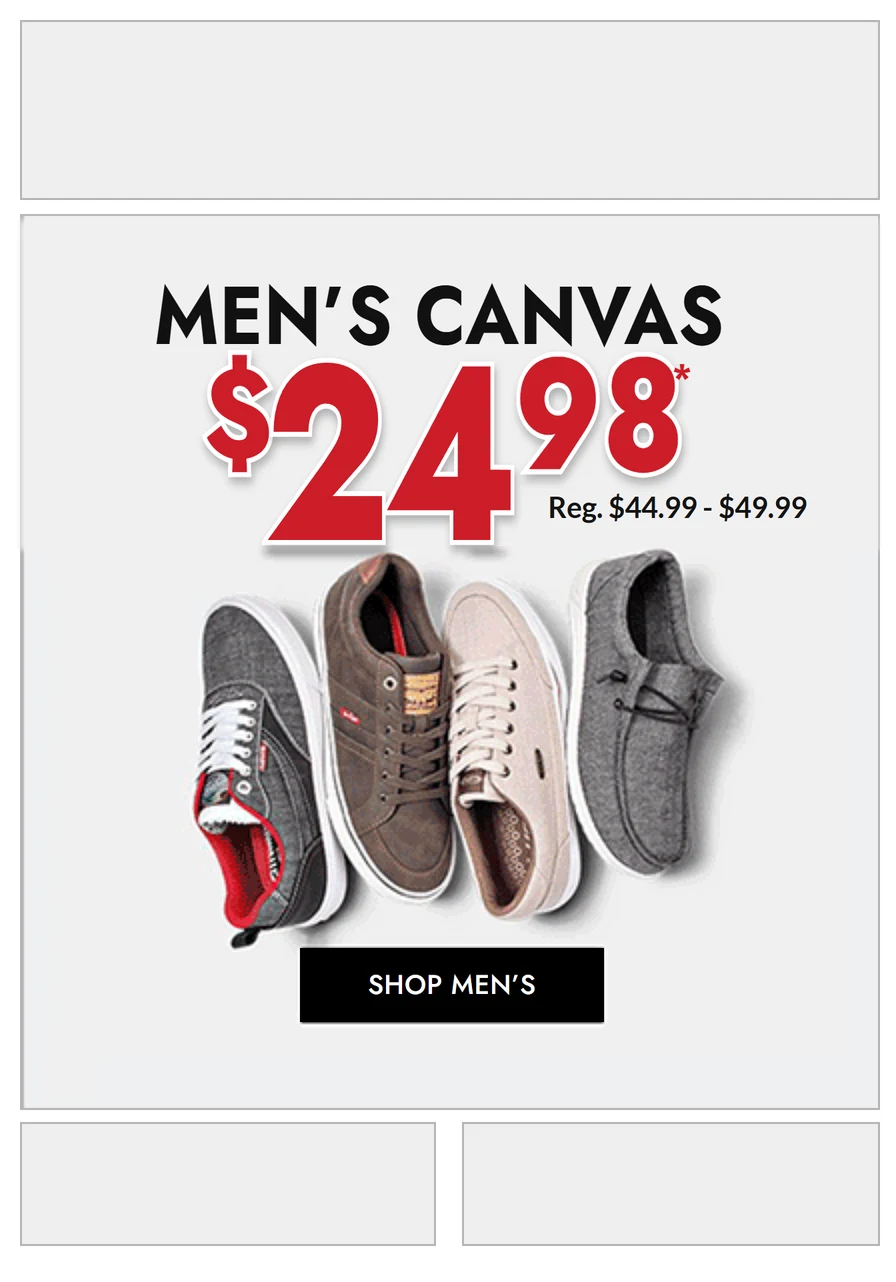
Put your ideas
into the same send.
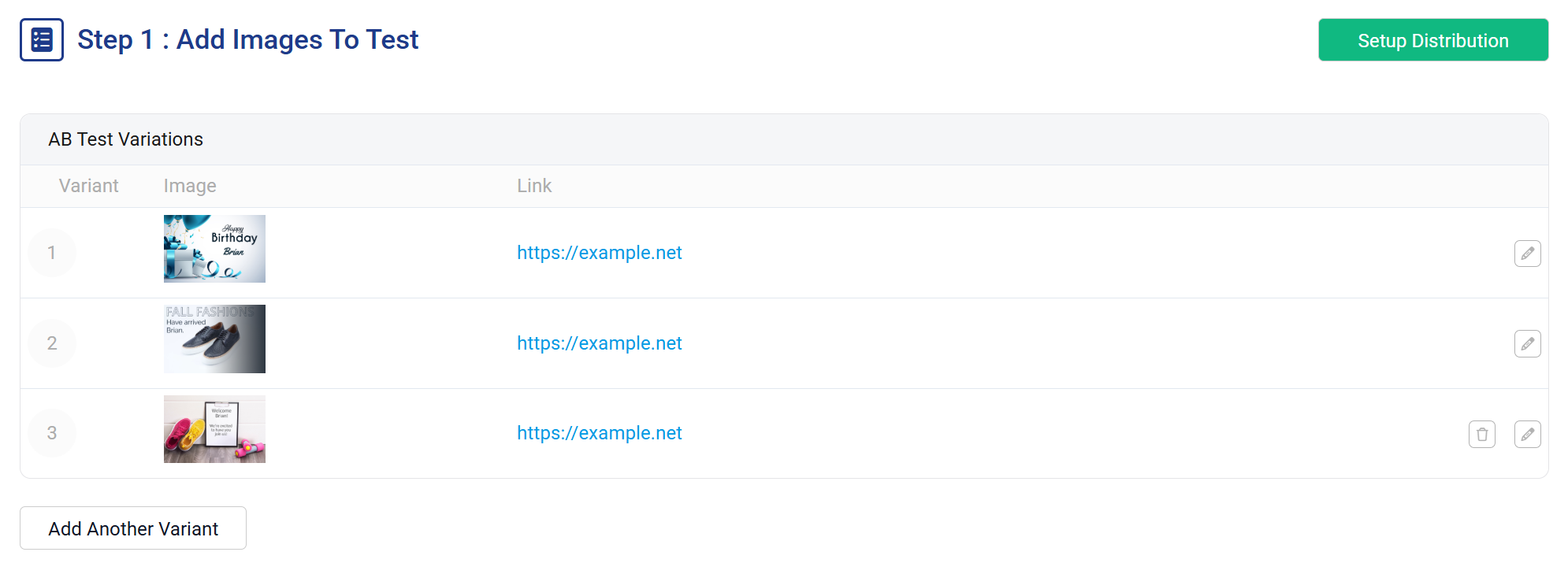
Add your variants in NiftyImages and give each its own destination link. Keep the destination the same when you want to compare only the creative.
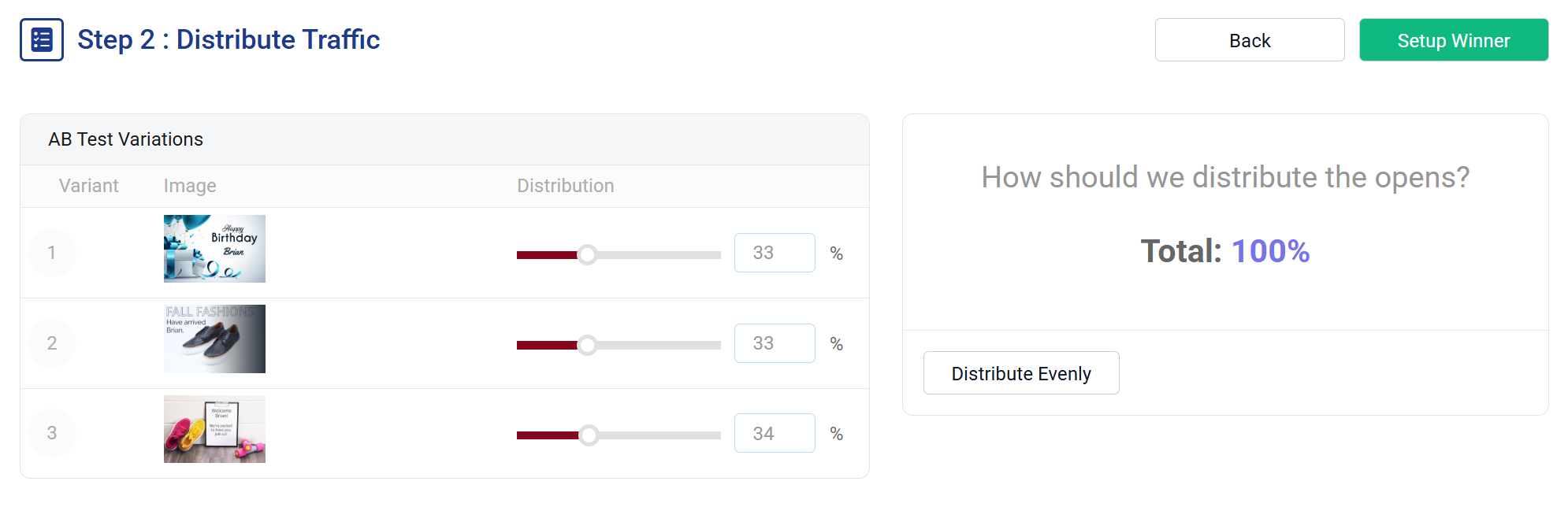
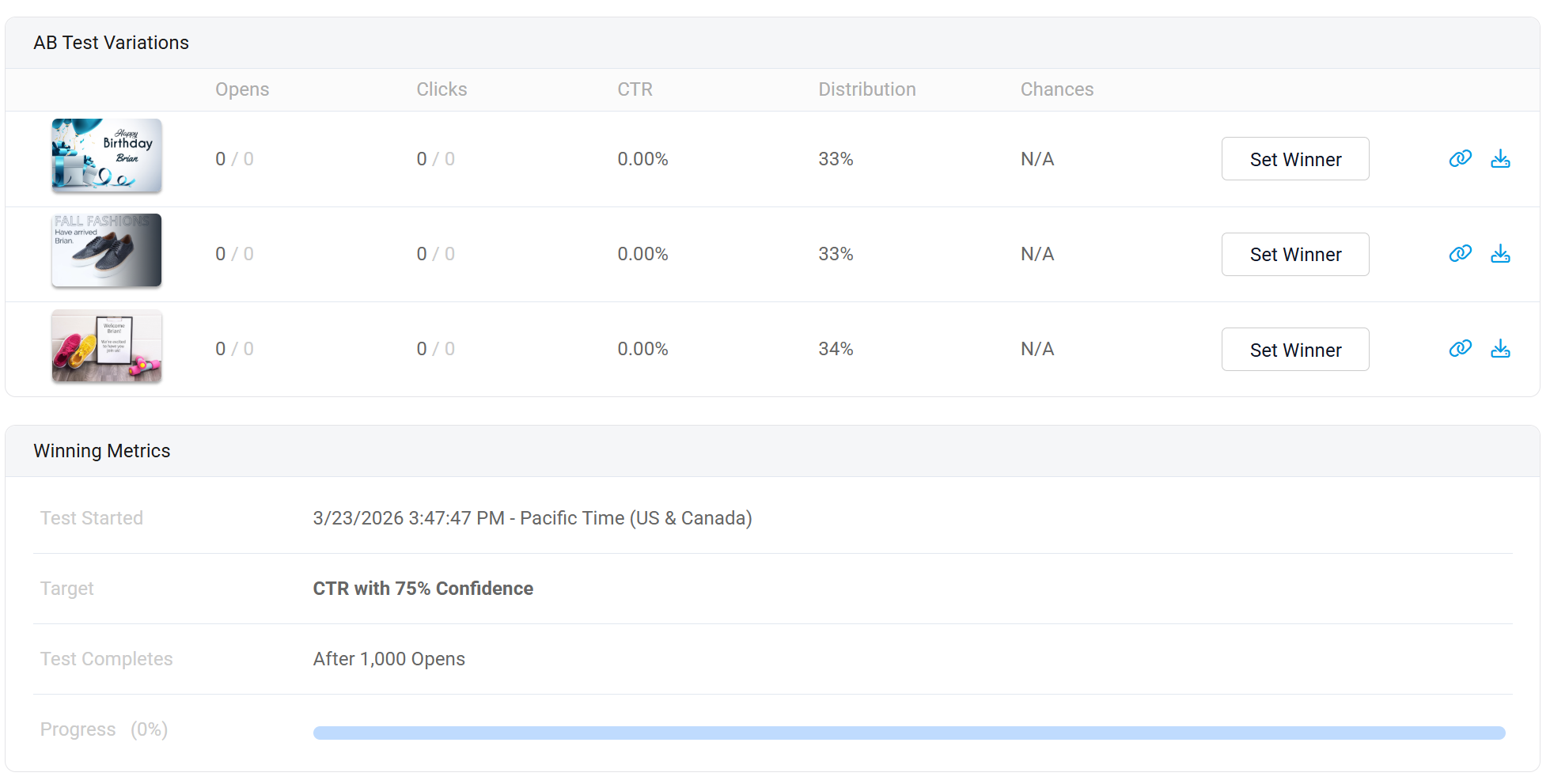
These product captures show a sample setup with three images. They illustrate the controls, not a completed campaign result.
Choose how much traffic each idea gets
Split two variants evenly or set your own percentages. This three-image setup uses 33%, 33% and 34%, with a total of 100%.
Decide what counts
as a winning image.
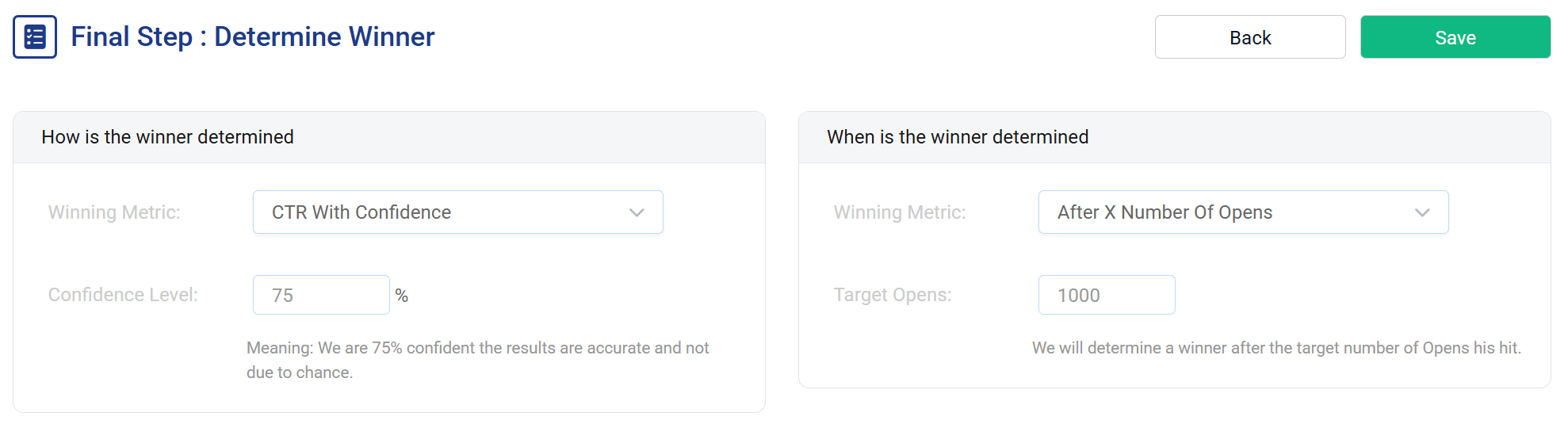
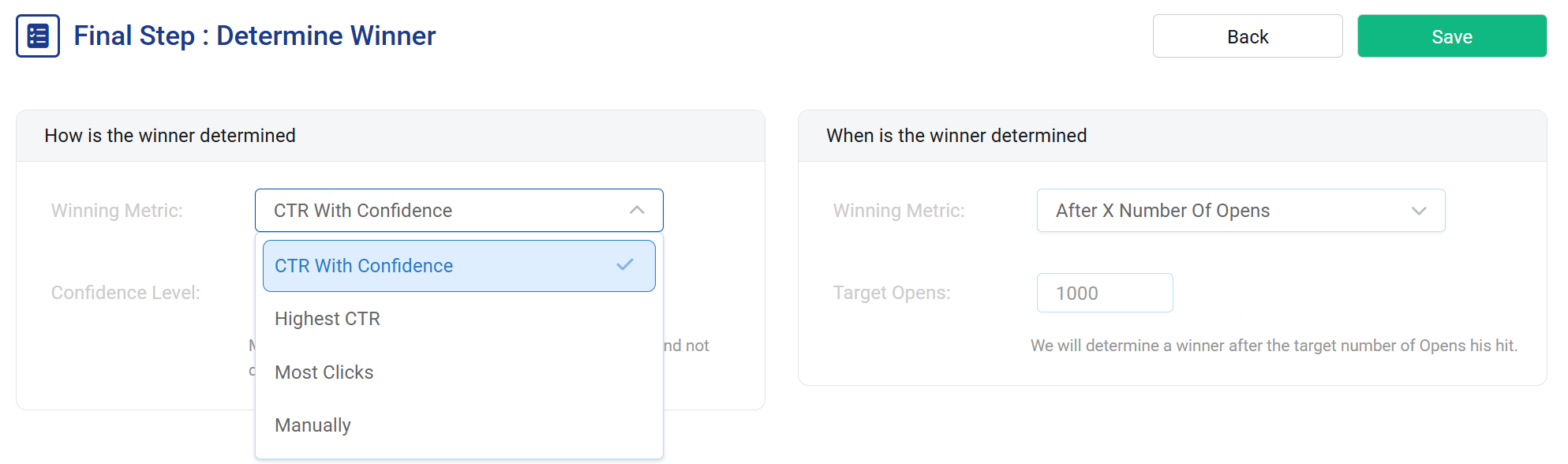
Pick the measure that answers your campaign question. Use clickthrough rate with a chosen confidence level, highest clickthrough rate, most clicks, or select a winner yourself.
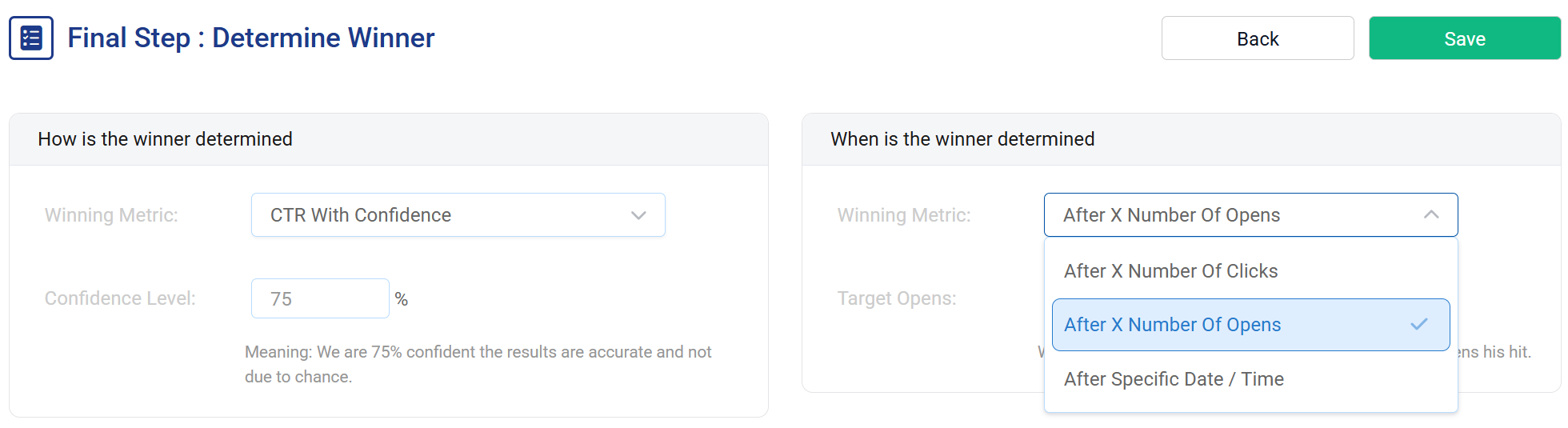
For automatic selection, set the test to finish after a number of opens, a number of clicks or a date and time.
The sample uses a 1,000-open threshold. When trying it, choose settings within your available opens.
Let the result shape
what comes next.
Follow opens, clicks and clickthrough rate for each variant. Once a winner is selected, NiftyImages serves its image and destination link on subsequent requests without another send.
Email apps can preload or cache images. A later open may reuse an earlier image, so not every recipient will see the winner when they reopen the email.
Send through
the platform you use.
Your email builder needs to accept a hosted image URL and a link on that image. If your variants use personalization, it also needs to support merge tags in the image URL.
Set up the test
Add your images and destinations. Choose the traffic split, winner criteria and when the test should end.
Add the image and tracking link
Copy the test's image URL into your email. Put its tracking link on that image so NiftyImages can record clicks and send people to the right destination.
Check the email before sending
Send a test through your platform. Check the image, any personalization and the click destination in the email apps your audience uses.
Give your next idea
a fair test.
Choose the offer or image you want to compare. Build the variants and let your audience's clicks help you decide.
Create your first split test