Give subscribers
a say in what's next.
Ask fans to pick a favorite or shoppers to choose a style. Live Polls turn a click in your email into a vote, with results shown in your own branded design.
Make the next event
something to take part in.
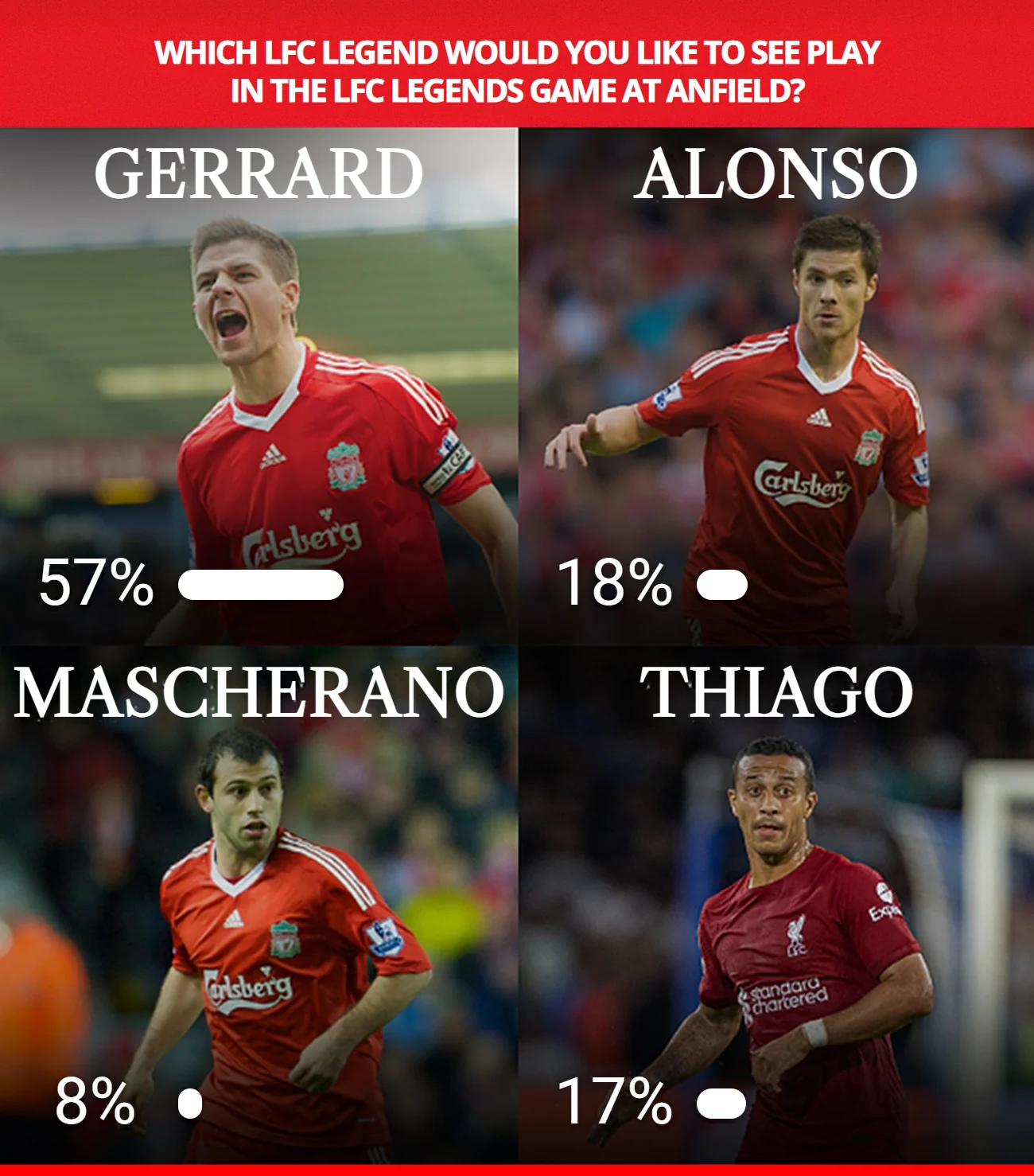
Give fans a reason to click before the action starts. Ask them to back a player, predict a result or choose who they want to see next.
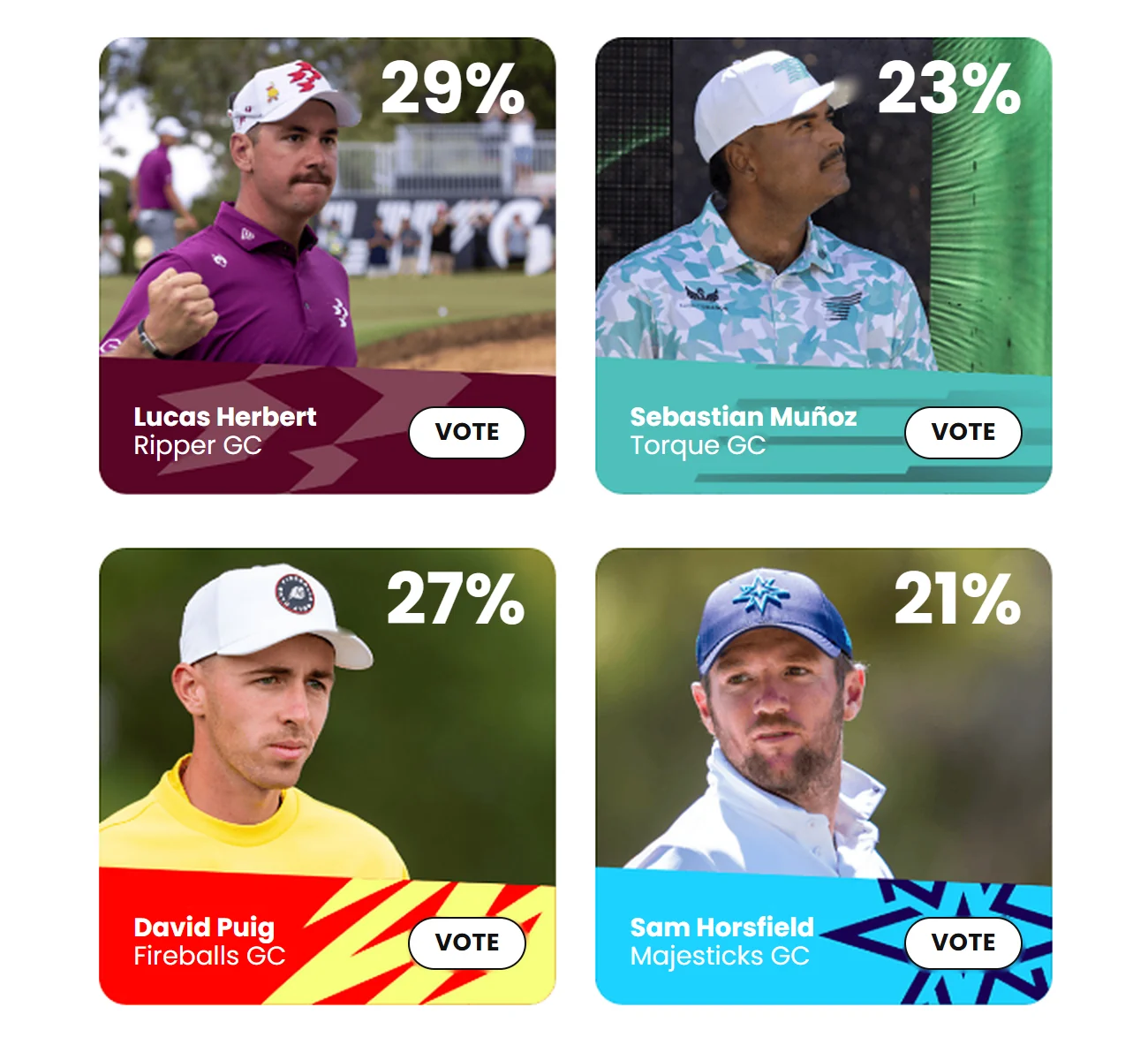
This golf example shows each player's share of the vote. In your email, link each answer to a vote, then send readers to a player profile, event page or another destination you choose.
Find out what
they would choose.
Gold or silver? A bold color or something understated? Let shoppers tell you what catches their eye. Use the winning style to choose what you feature in your next product email.
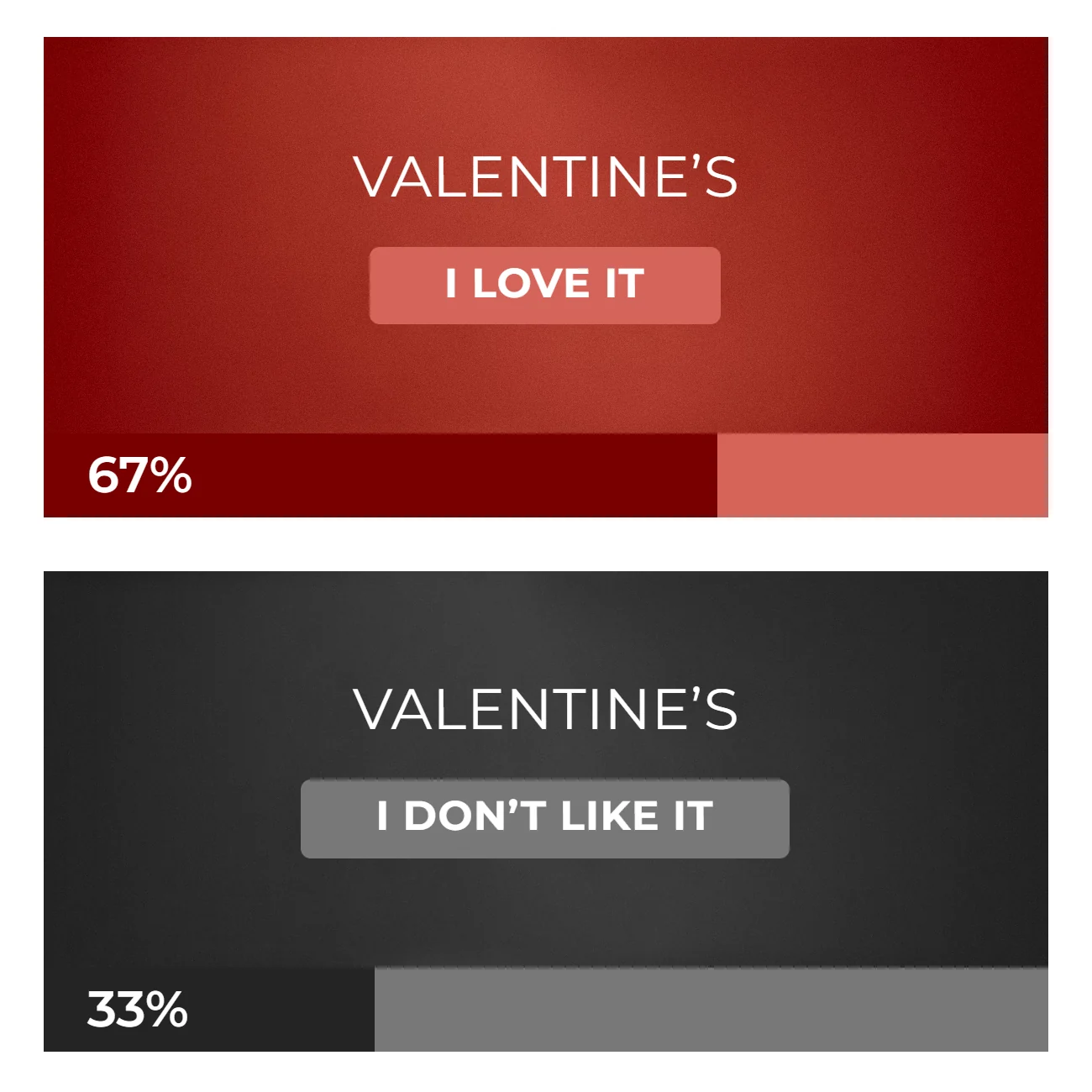
A seasonal question can be useful, too. Ask how subscribers feel about Valentine's Day, then use the overall response to shape your next campaign.
For individual follow-ups, use your email platform's tracking of answer-link clicks to build segments where supported. Polls do not automatically sync preferences to your CRM.
Sign up to create your first poll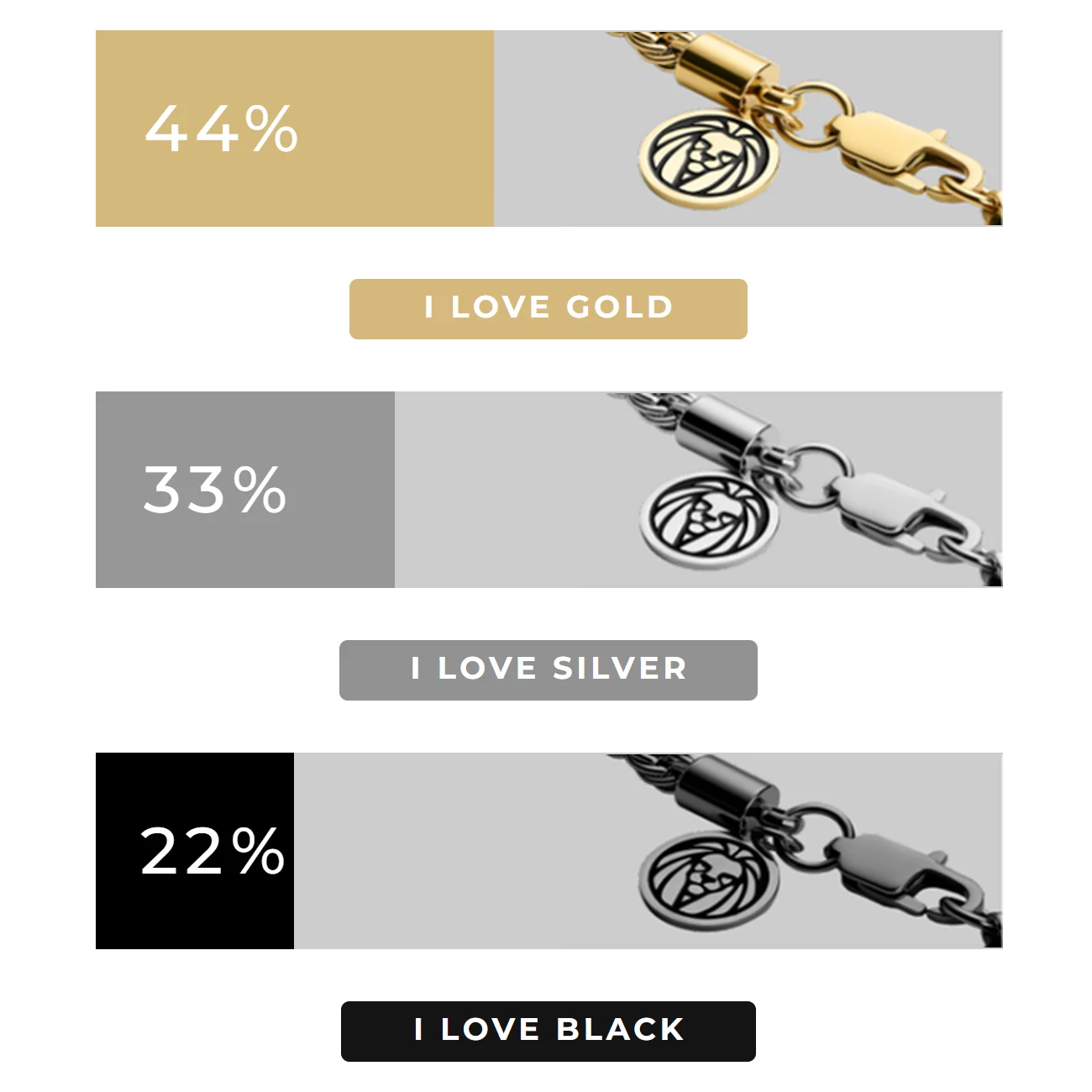
Make the question
look like your campaign.
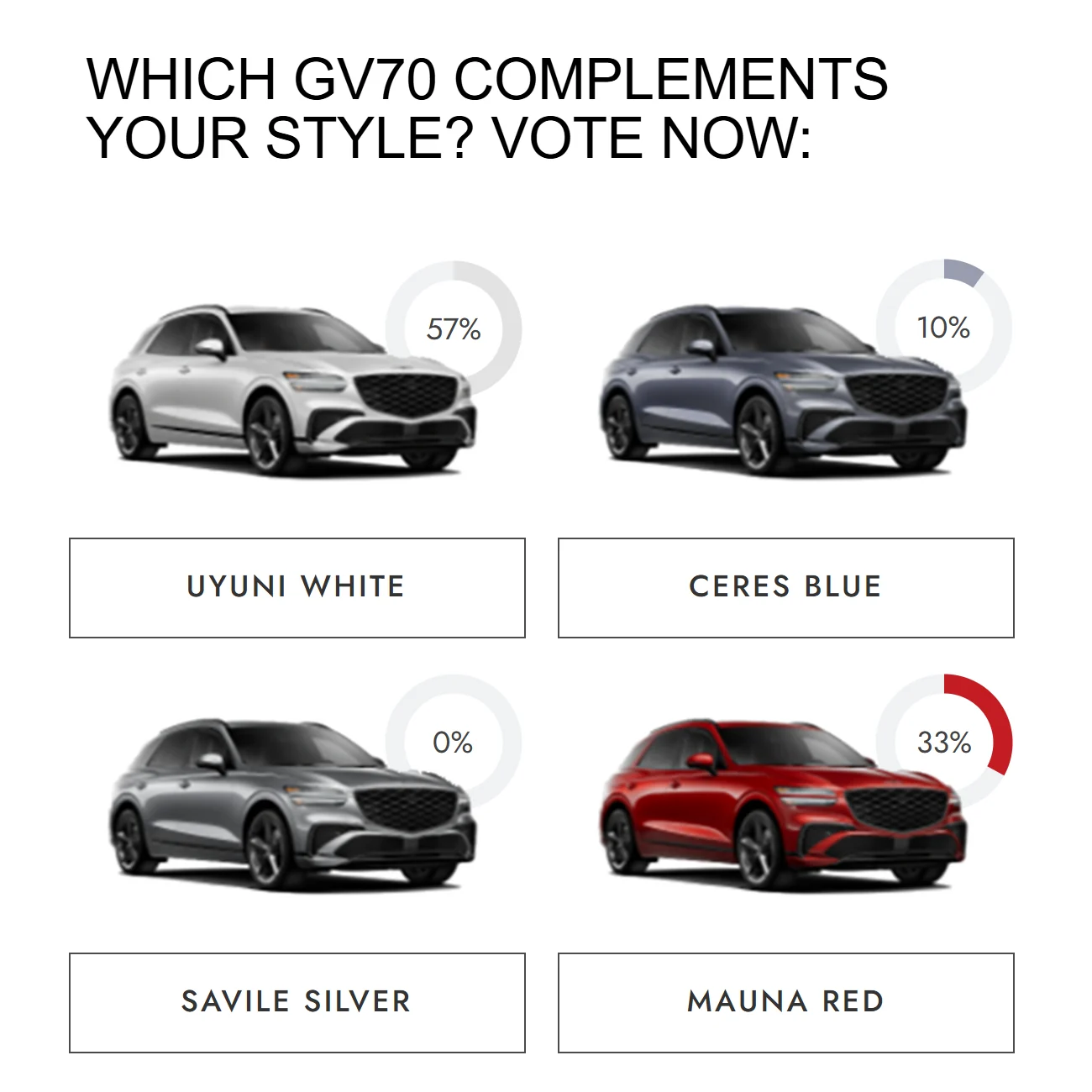
Use your fonts, colors and artwork to make the poll part of the email's design. Give each answer its own image, or build a compact layout with result bars beside the choices.
Show percentages, vote counts or progress bars. Choose the details that make the response easy for your audience to understand.
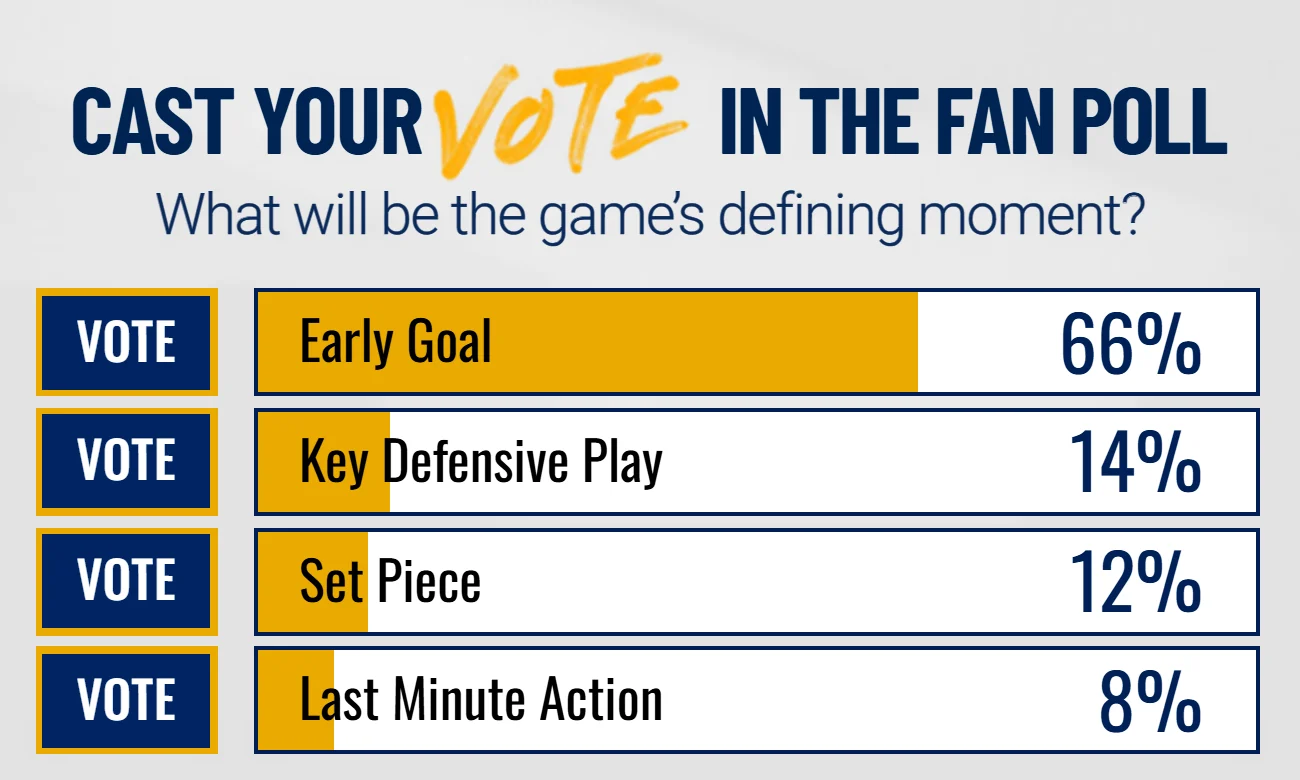
The fan poll pairs a short question with four clear choices. Use the same approach for a newsletter topic, a product idea or feedback after an event.
Put one question
in your next send.
Polls use hosted images and answer links. Add them through your email builder, with a unique recipient field to identify each vote.
Results are generated when the image is requested. Email apps can preload or cache images, so an open may show an earlier result. The image does not refresh continuously while the email stays open.
Choose the question and answers
Pick something your audience cares about, design the choices and decide where each answer should take a voter.
Add the images and voting links
Copy the poll's images and answer links into your email. Configure the unique recipient ID with your platform's merge tag so NiftyImages can count the vote.
Send a test before the campaign
Check each answer link, the destination after voting and how results appear in the email apps your subscribers use.
Ask a question
worth answering.
Start with a choice your subscribers care about. Build a poll in your brand's style for your next email.
Create your first poll