Show the interest
in your next offer.
Give readers a reason to take a closer look. Social Signals turns campaign clicks into a visible count inside your email image, beside the offer or event you want them to explore.

Let interest build
around the invitation.
For a launch invitation, show how many readers have clicked to explore the event. For an early-bird offer, place that interest count beside the deal.
A click on your Social Signal link adds to the count and takes the reader to your destination. Later image requests can show the updated count.
These designs use illustrative totals. Match the label to the measured action, such as clicks to explore an offer. The coffee example says "grabbed this deal," but clicks do not confirm purchases.
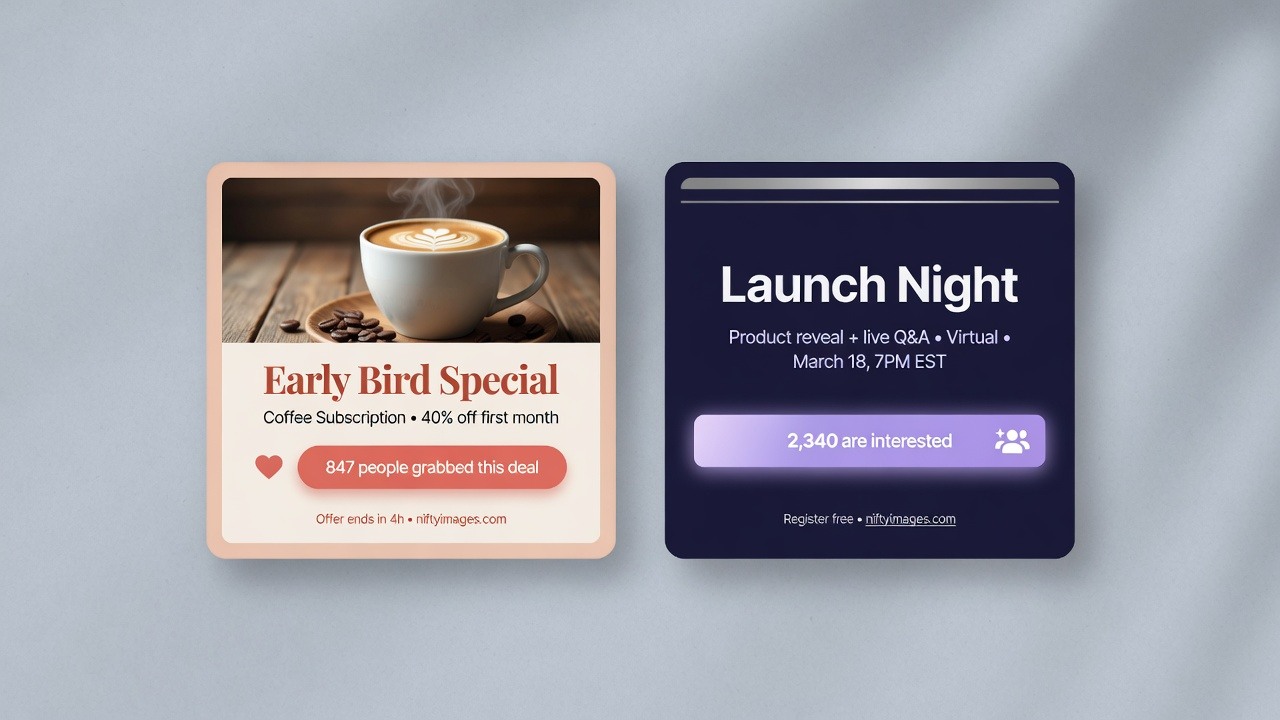
Make the count
part of your creative.
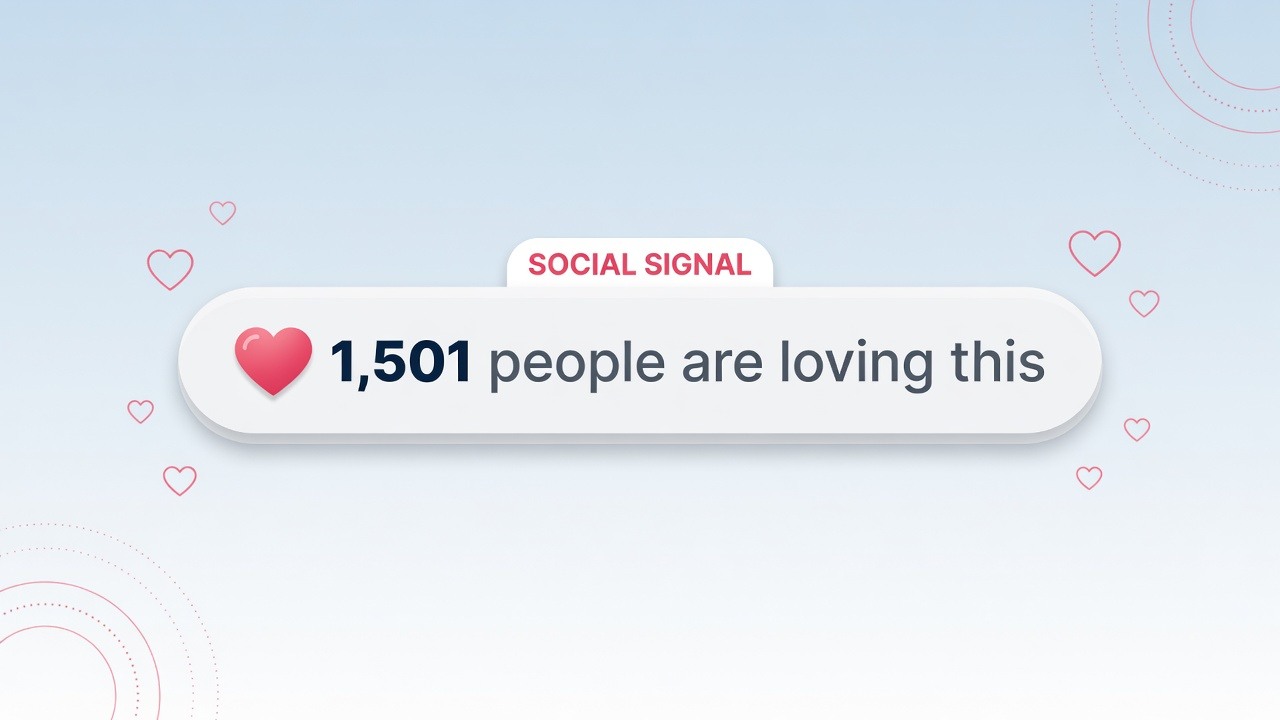
Use a compact counter beside your email copy or build it into a full campaign image. The Signal Counter is a layer on the Studio canvas, so you choose its position, fonts, colors and surrounding artwork.
Start from a template, upload a background or use a blank canvas. Write the text around the number and choose its separators and number format.
Create your own counterGive the campaign
room to get started.
Your first readers can see the offer before there is a count worth showing. Choose what appears while participation builds.
A minimum count can show fallback text or hide just the counter layer. An uploaded default image can replace the whole creative until the actual count reaches your chosen threshold.
Give each offer
its own count.
Reuse your design for next week's send without carrying over last week's interest. Or track different products with separate counters in the same design.
Add a different signal_key value for each campaign or item. Each key keeps its own count, with up to 1,000 distinct keys per image.
For product-specific counters, use your email platform's product merge tag as the key. The platform needs to support merge tags in image and click-through URLs. Keep the key consistent in both.
Put it to work
in your next send.
Choose one offer or event to start with. Social Signals uses a hosted image and, for click counting, a link that forwards readers to your destination.
Design the image
Choose your starting point in Studio, add the Signal Counter layer and style the image for your email.
Set the action and links
Choose clicks or opens. For clicks, set your destination and use the generated tracking link on the image. Add subscriber and campaign fields where needed.
Test before sending
Add the hosted image to your email builder. Send a test, check the count and destination, then reset test counts before the campaign goes out.
What recipients see
The count is rendered when the image is requested. Email apps can preload or cache images, so a later open may show an earlier count. Test the email in the apps your audience uses.
Give your next offer
a visible following.
Create a Social Signal in your brand's style and show the interest your campaign receives.
Create your first Social Signal