Give them a reason
to come back.
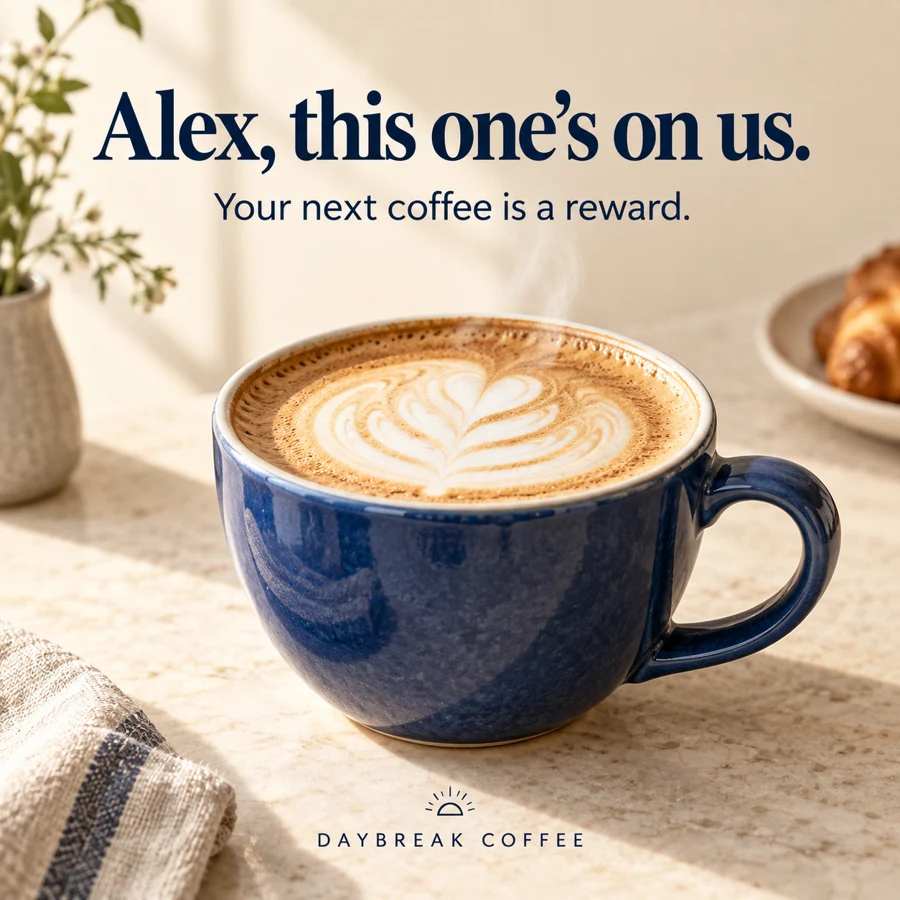
Put a customer's name on their next reward reminder, like this illustrative coffee offer. NiftyImages creates the personalized image and gives you its URL. Use it in mobile messages where your messaging provider supports it.
 View your reward
Carry the campaign
beyond the inbox.
When a member has earned a coffee reward, remind them before their next visit. Put their name in the image and the redemption link in your MMS or in-app message. Reuse the same design in the follow-up email.
Your messaging platform supplies the recipient's name and selects who receives the reward. NiftyImages turns that supplied value into the image.
You can reuse the creative and image URL where the channel supports it. Match each provider's personalization syntax, image format and size requirements.
Use your design
across channels.
Upload your artwork and fonts. Add a name, an offer or an event detail, and set a fallback for missing values. Build the image once, then let your platform supply each recipient's details.
Use your Studio design across email, web and mobile. Set up the message separately in each channel.
Explore image personalization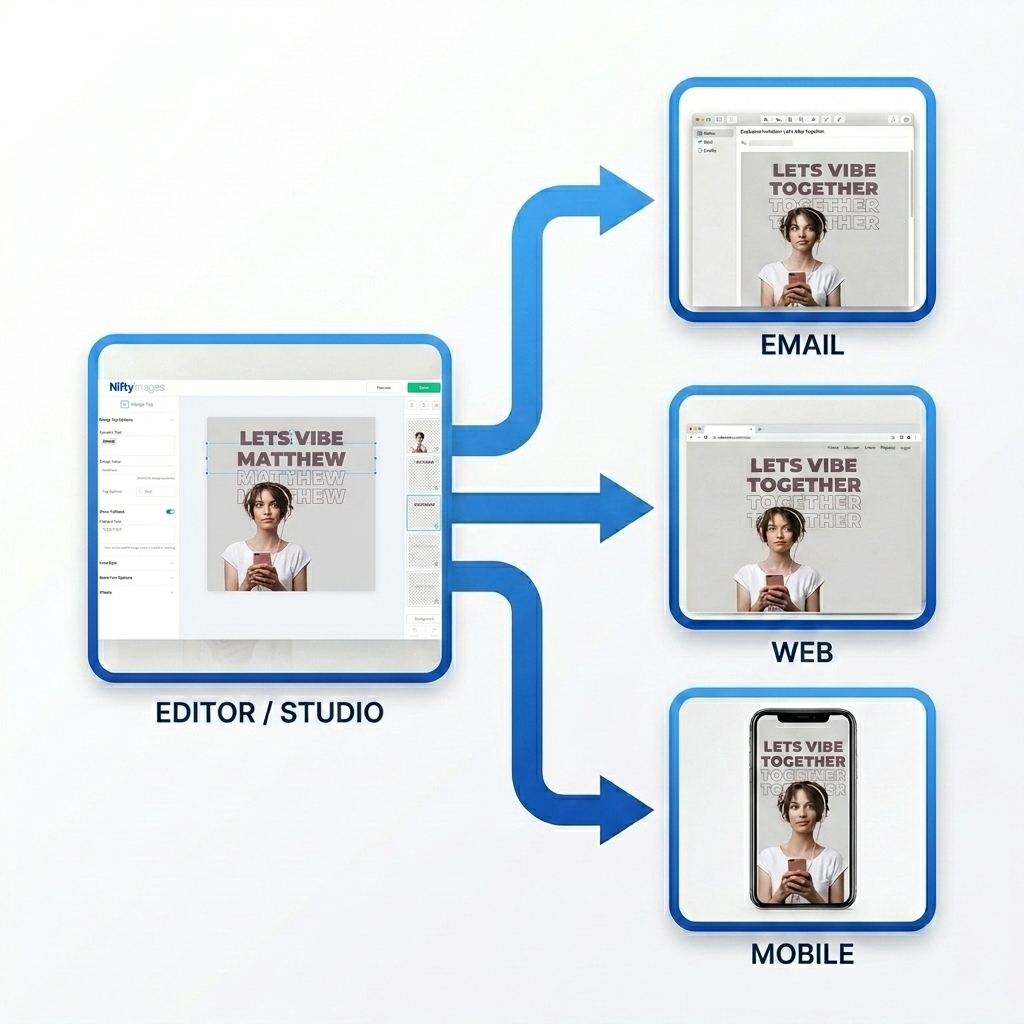
Choose where
the reminder belongs.
NiftyImages supplies an image URL and, where available, a click-through link. Your messaging provider must support using them in the message. It handles sending and determines how the image and link appear.
- Rich push
- If your push provider accepts an image URL, you can supply the NiftyImages URL for the notification image. Your app still needs the provider's rich-notification setup. Confirm its image requirements before sending.
- MMS
- A provider that accepts a media URL can fetch your NiftyImages image and attach it to an MMS. The provider handles delivery, supported destinations and file limits. An image attachment does not automatically carry its click-through link.
- Links in SMS
- You can include a destination link in an SMS. SMS does not attach an image. A phone may display a link preview, but providing an image URL or click-through link alone does not guarantee one.
- RCS and WhatsApp
- Some providers accept an image URL for RCS media or WhatsApp image messages and templates. Check your provider's supported format, template requirements and URL handling. NiftyImages supplies the image, not the channel setup.
- In-app and mobile web
- Use the image URL where your app, in-app messaging tool or website accepts a remotely hosted image. Configure any click destination separately in that tool or page.
- Links to Scratchers
- A Scratcher's click-through link opens its hosted scratch experience. Use that link where your messaging provider supports a web destination. Sending the image alone does not make it interactive inside the message. Scratchers are included in Growth.
Check how your provider uses the image.
Your provider or the recipient's device may download and keep a copy. Changes to the NiftyImages image may not appear in a message already delivered. Test the image and its destination link through your provider before sending.
Try it with
one planned send.
Choose a reward, offer or event reminder you already run. Keep your existing audience and delivery workflow.
Personalized Images are included in Starter. Reusing them on mobile does not require a separate NiftyImages mobile product. Your provider's messaging charges still apply.
Create an image to testDesign for the message
Keep the name and offer readable at phone size. Match the output dimensions and format to your provider's image field.
Map your recipient values
Add your platform's merge tags or resolved values to the image URL. It must support personalization in that field. These values do not automatically stay connected to an account balance or other live record.
Send a test through your provider
Check the name, missing-value fallback, crop and click destination on a real phone. Confirm when your provider fetches the image before scheduling the campaign.
Make the next reminder
feel like an invitation.
Start with a name and a moment that matters. This illustrative event reminder uses the same approach as a reward or welcome image.
Create your first image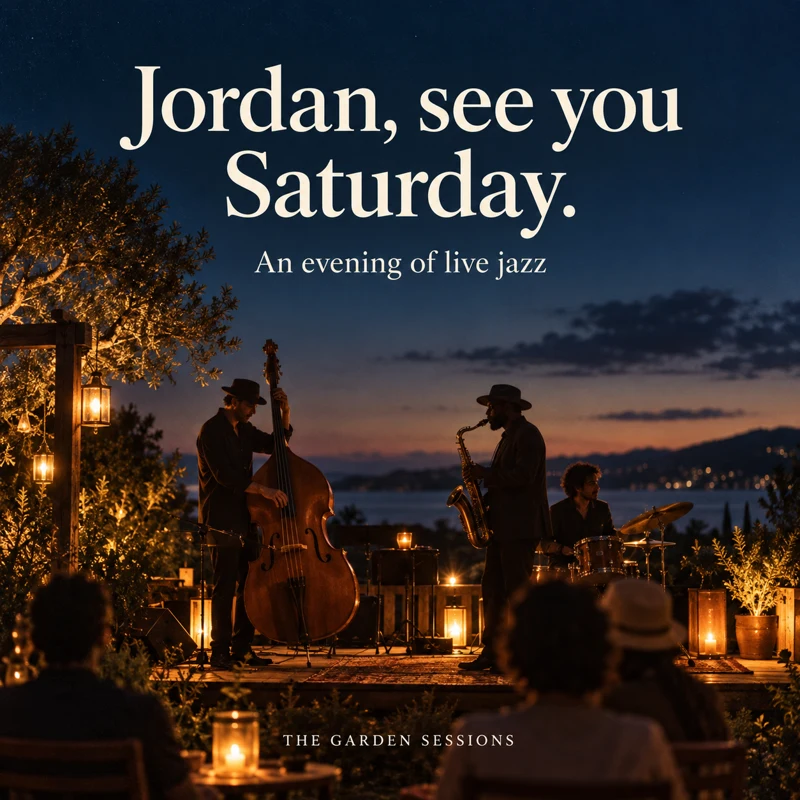 View event details