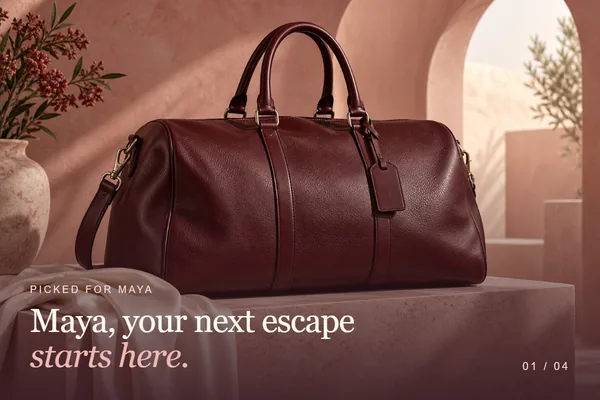
Put their name
on every slide.
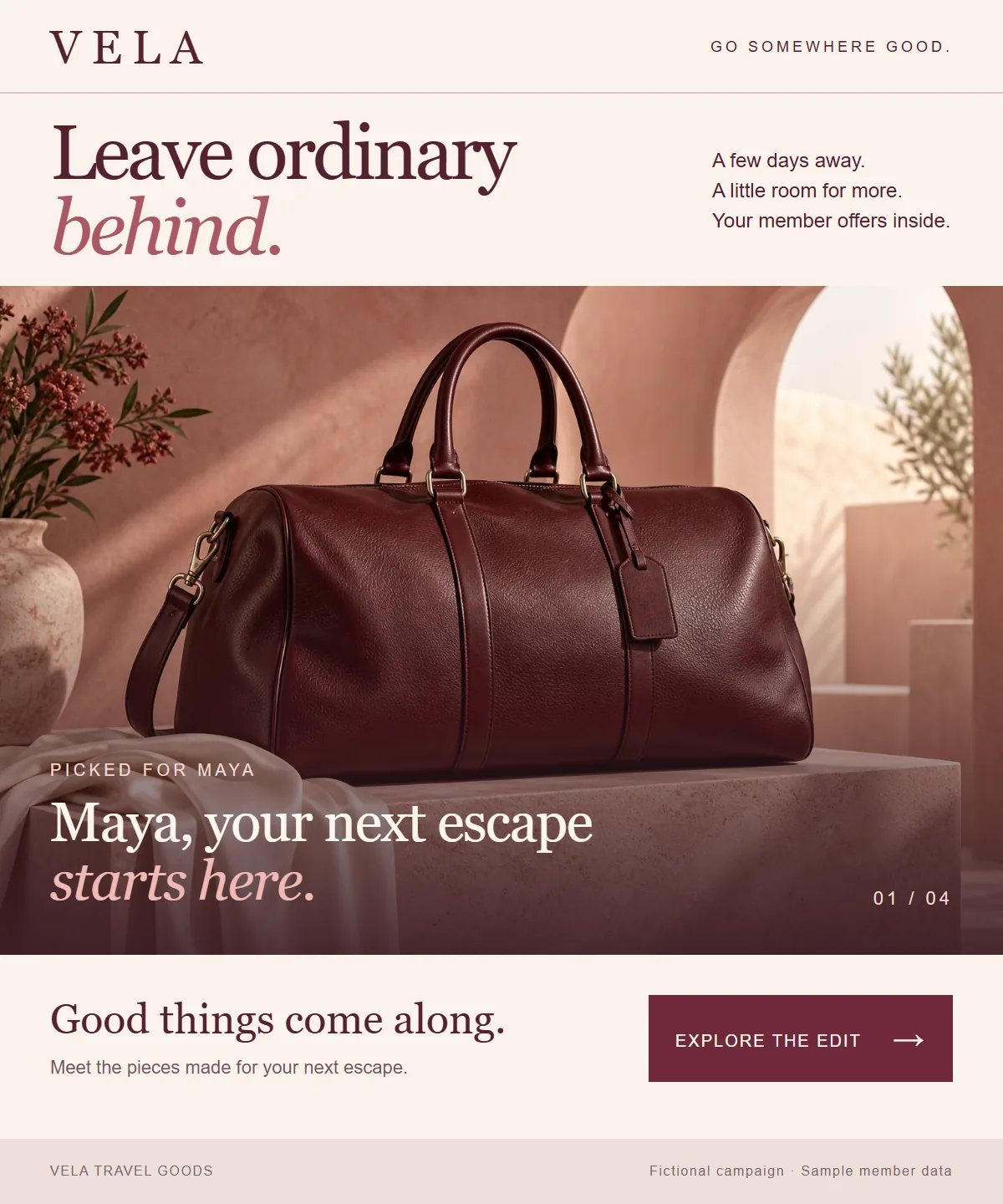
Anyone can turn a few pictures into a GIF, and every subscriber gets the same one. Slides makes a separate animation for each recipient. Each slide can carry their name, their price, their code or their numbers, in an image that goes into your email like any other.
One email.
A different animation for each person.
Maya and Theo are on the same Vela send. Maya is a Gold member, so her slides greet her by name, show the wallet at $96 and give her a code of her own. Theo is Silver. His slides say Theo, $108 and a different code.
You build it once. Each personalized slide is a NiftyImage with blanks for the details that change, and your email platform fills those blanks for every recipient. The names, prices and codes here are samples.
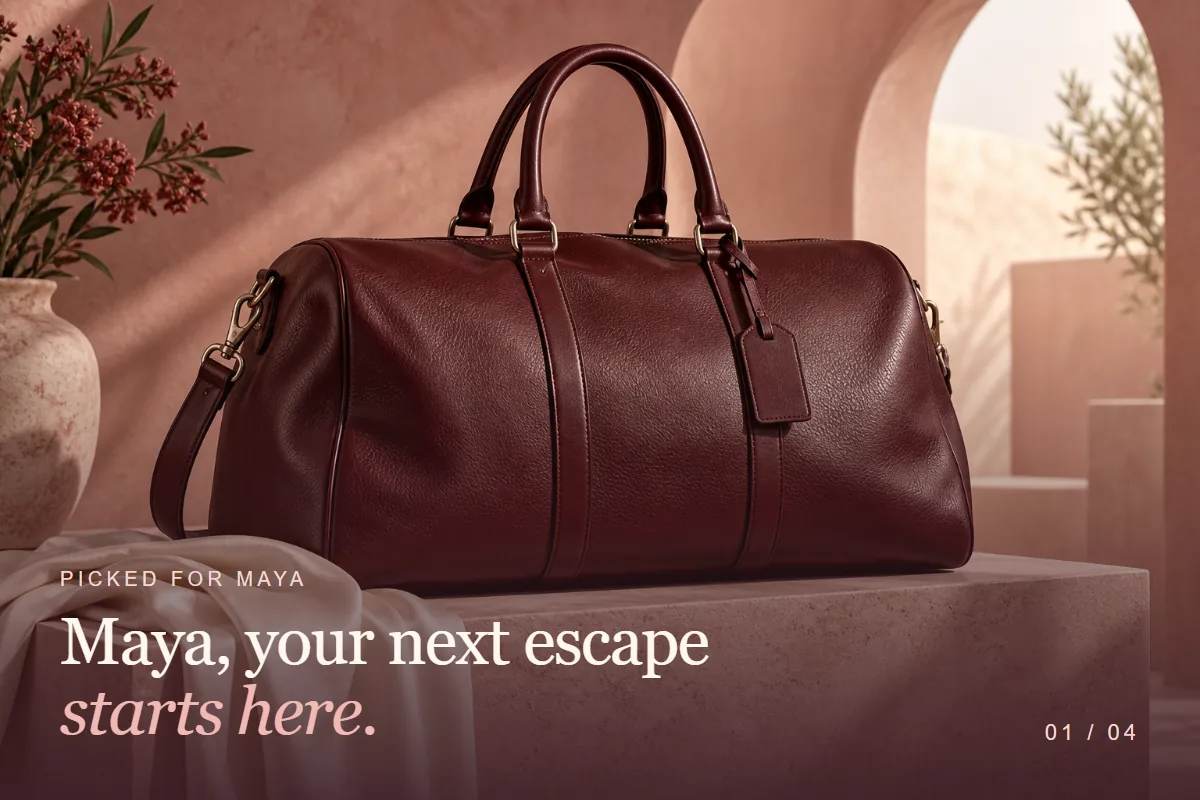

Their name
The opening slide greets each person. It is also what shows in email apps that don't play animation.
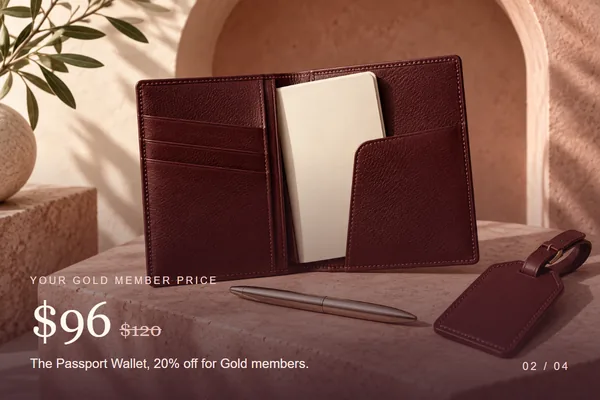
Their price
The member price and the saving match the tier your platform holds for them.
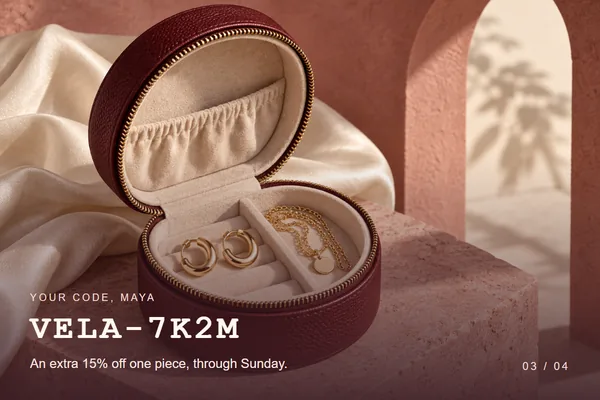
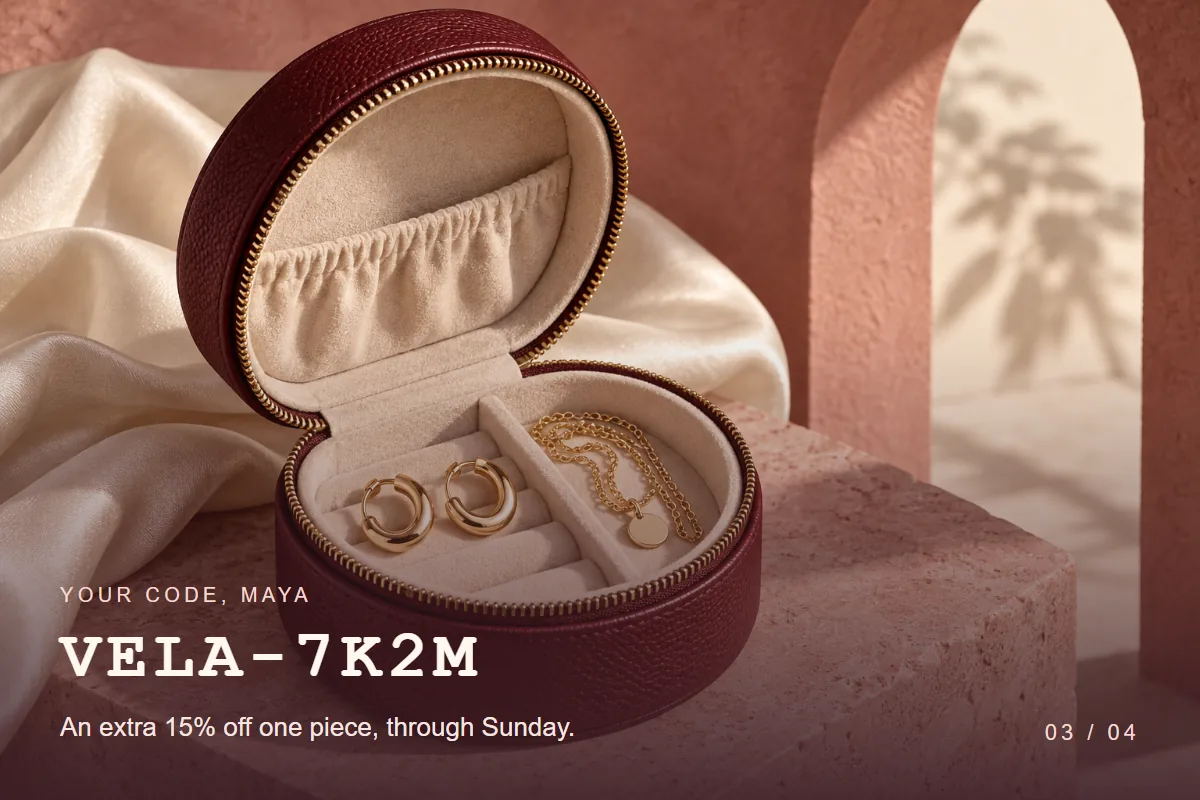
Their code
A code that belongs to one person, with the date it runs out.
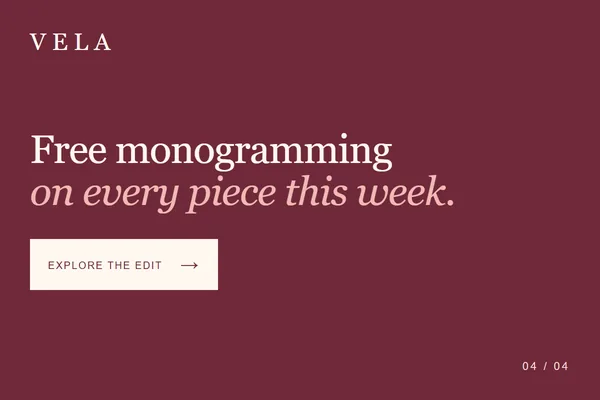
Your offer
An ordinary uploaded picture. Everyone sees the same one, and the animation can stop here.
Tell each customer
their own story.
A year in review, a loyalty update or a progress report has more to say than one picture holds. Give each part its own slide and the whole story plays in one spot in the email.
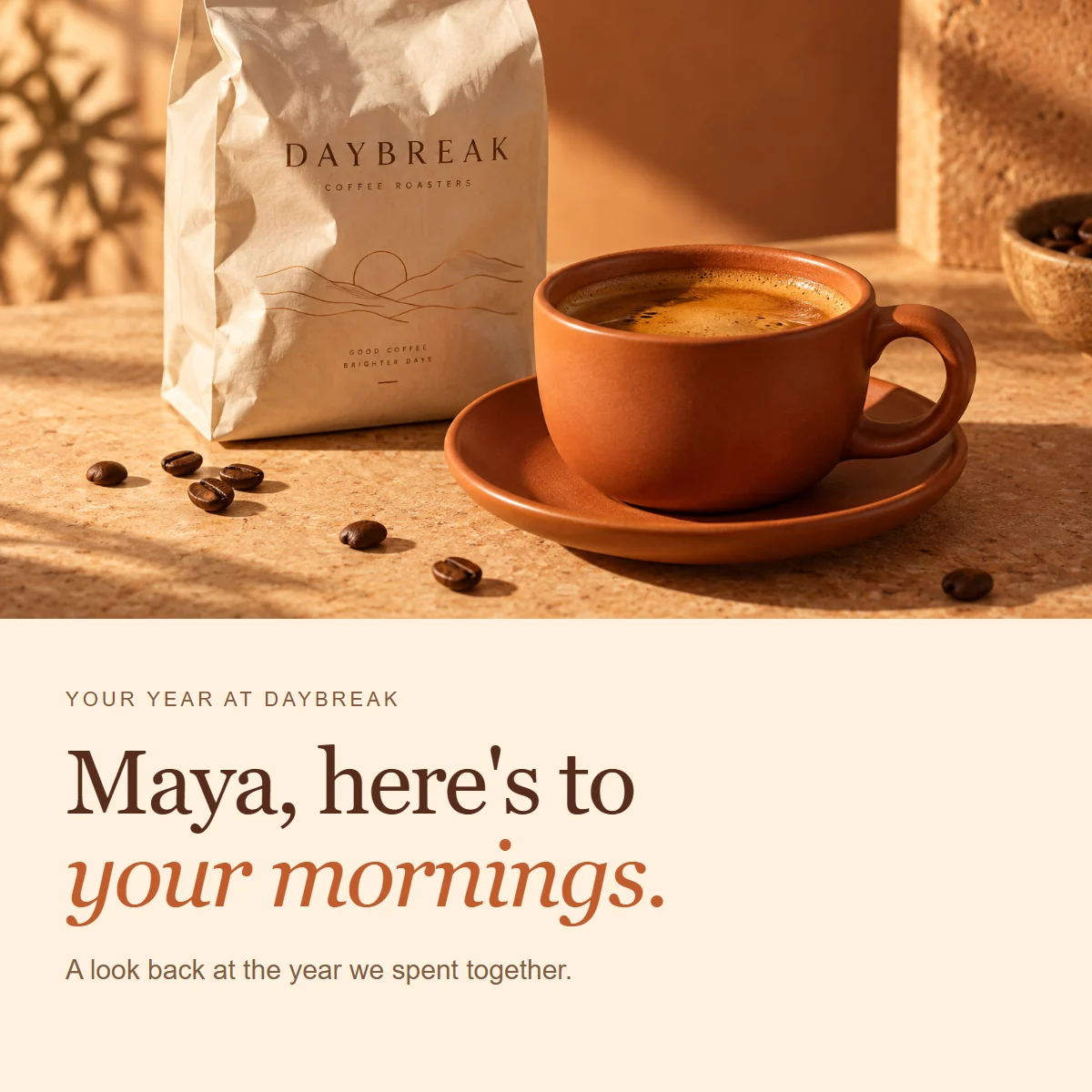
In this Daybreak example, the first two slides are Personalized Images with Maya's name, total and usual order. The third is a Chart drawn from her monthly visits. The last is an uploaded offer that every customer sees.
Recipient details arrive through your email platform's merge tags in the image link, the same way they do for a single Personalized Image. One link feeds every slide. Your platform needs to support merge tags in image URLs.
Personalize the slides that matter.
Upload the rest.
A Slides image holds two to five slides. Any of them can be a NiftyImage that changes for each recipient, and the others can be pictures you already have. The editor plays the finished animation with sample values while you work.
- Make any slide personal
- Pick a NiftyImage from your account as a slide. Personalized Images, Charts, Barcodes, Calendars, Maps and Critical Messages can all be slides, depending on your plan. A Personalized Image with weather layers shows each person's local forecast.
- Use your own pictures for the rest
- Upload PNG, JPG, GIF or WebP files, or link to an image you already host. These slides are the same for everyone.
- Set the pace
- Each slide shows for 0.1 to 10 seconds, so a name can pass quickly and a code can stay long enough to read. Let the animation loop, or play it a set number of times and stop on the last slide.
- Mix sizes without redesigning
- Choose Fit to show each image whole, or Fill to cover the frame and crop what spills over. A background color you pick fills any space around a smaller image.
- Keep the file size in check
- The editor shows the size of the finished file and warns you when it goes over your account's limit, before you save.
- Add an alert only when you need one
- Use a Critical Message as a slide and it appears only while the alert is switched on. The rest of the time the animation plays without it. Critical Messages are a Scale feature.
Put it to work
in your next send.
Start with an email where the offer already differs by person: member pricing, a birthday reward, a points balance. A Slides image goes into that email the same way any other image does.
Design the personal slides
Build each changing slide as a Personalized Image, with merge tags for the name, price, code or total.
Put the slides in order
Add them to a Slides image along with any plain pictures. Lead with the slide that matters most, finish on your call to action and set the time for each.
Add it to your email
Copy the image tag into your email builder and give the image its link. Send tests to two different profiles and check that each one gets their own details.
What recipients see
A Slides image is an animated GIF, so it plays in email apps that play GIFs. Apps that don't animate show the first slide, which is a good reason to put the name there. The whole image has one link, so separate slides can't send people to separate pages. Opens and clicks are reported for the Slides image like any other NiftyImage.
Personalized slides are put together when the image is requested. If one of them can't be drawn, the animation plays without that slide. Email apps can preload or cache images, so a later open may show an earlier version.
Make your next GIF
about the person opening it.
Put a name, an offer or a balance on the slides that matter, and send one image to everyone.
Create your first Slides image →
Slides is included in Growth. Try it with free images and no time limit. Compare plans →
See what a Personalized Image can do →