Codes and prices that stay
sharp on phones and Macs.
Most phones and every recent Mac have Retina screens, with at least twice the pixels of an ordinary monitor. They stretch a normal image to fill those pixels, and the text in it goes soft. Turn on Retina Images and your personalized image carries twice the pixels, so each recipient's name, points and code look as crisp as a hand-finished image from a big-budget design team.
Same design.
Twice the pixels.
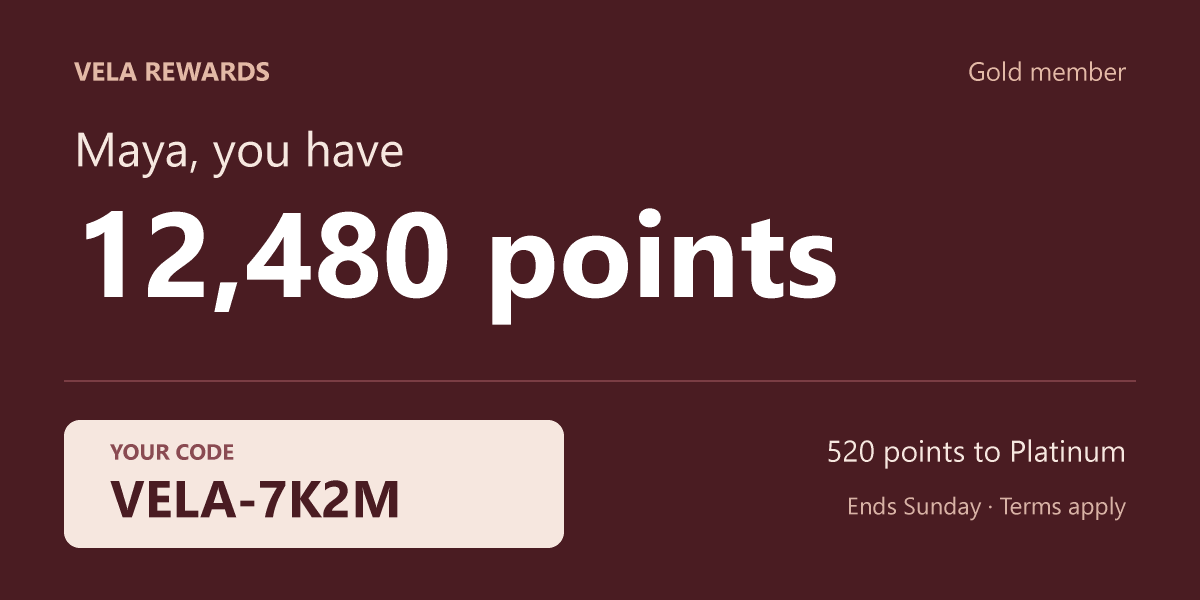
Both cards come from one 600-pixel design, drawn by NiftyImages. The first is the image an email gets today. The second has Retina Images turned on. It is 1,200 pixels wide, and the email shows it at 600.
On a phone or a Retina screen you can see it right here. Look at the small print and the code. The first card is soft. The second is as clear as the text around it.
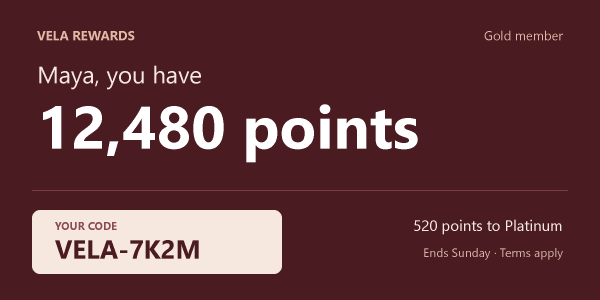
An ordinary monitor shows one screen pixel for each pixel in the image, so there the two cards look alike. The close-ups below magnify the code. The first is today's image the way a phone shows it, stretched to fill twice the pixels. The second is the same design with Retina Images.


No more designing
at double size.
A sharp email image has always been possible. Until now it meant building the whole design at twice its size and shrinking it back down in the email.
By hand
- Double every font size, border, box and position in the design.
- Make a double-size background, or enlarge the one you have.
- Work with numbers that no longer match your brand guide. A 16-pixel heading becomes 32.
- Set the width in your email HTML yourself, every time.
Precisely designing in a scaled-up image so it's perfect when scaled back down is fiddly. Miss one doubled value and that text comes out half size. Forget the width and Outlook shows the image at double size and breaks the layout, while a phone shrinks it and hides the mistake during testing.
With Retina Images
- Design at the size the email shows. A 600-pixel card is 600 pixels in the designer, with the font sizes from your brand guide.
- Turn on Retina. NiftyImages scales the design and adds the pixels each time it makes the image.
- Copy the HTML. It already has the right width and height, so the image shows at the size you designed. Images you push to Klaviyo, HubSpot or Braze from NiftyImages carry the width too.
Your photos look the same.
The words on them get sharp.
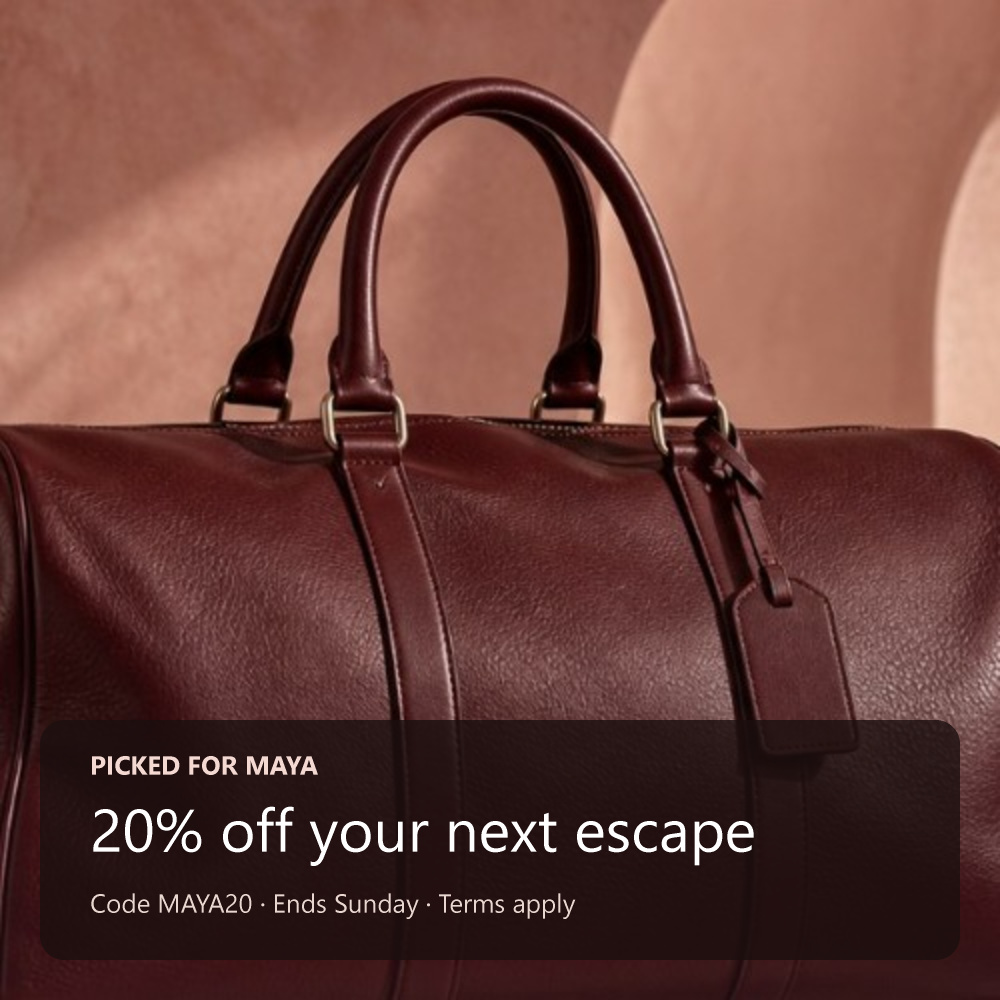
You don't need a bigger photo. When the background is a normal-size image, NiftyImages enlarges it smoothly. It looks the way it already does on a phone, and the text and shapes on top are drawn with twice the pixels.
This Vela offer uses a 500-pixel photo. With Retina Images it goes out at 1,000 pixels and shows at 500. Uploaded logos and product shots are fitted at twice their size too, so a large original keeps its detail. Barcodes and QR codes get sharper and still scan.
Turn it on
where sharpness matters.
Retina Images is a switch on each Personalized Image. Use it on the images with codes, prices and small print, where soft text shows most.
Give your next offer
twice the pixels.
Design at the size your email shows, turn on Retina and copy the HTML. NiftyImages does the rest.
Create a Retina image