Give every team
the right access.
Keep each client's campaign images with the people working on them. Agency Access gives your team individual logins, custom roles and selected folders within one NiftyImages company account.
Agency Access is available on Enterprise, outside the standard trial. Talk to us about team access.
Keep client work
with its team.
Create a folder for each client, brand or region. Give the people working on that campaign access to its images while keeping other teams' folders out of their view.
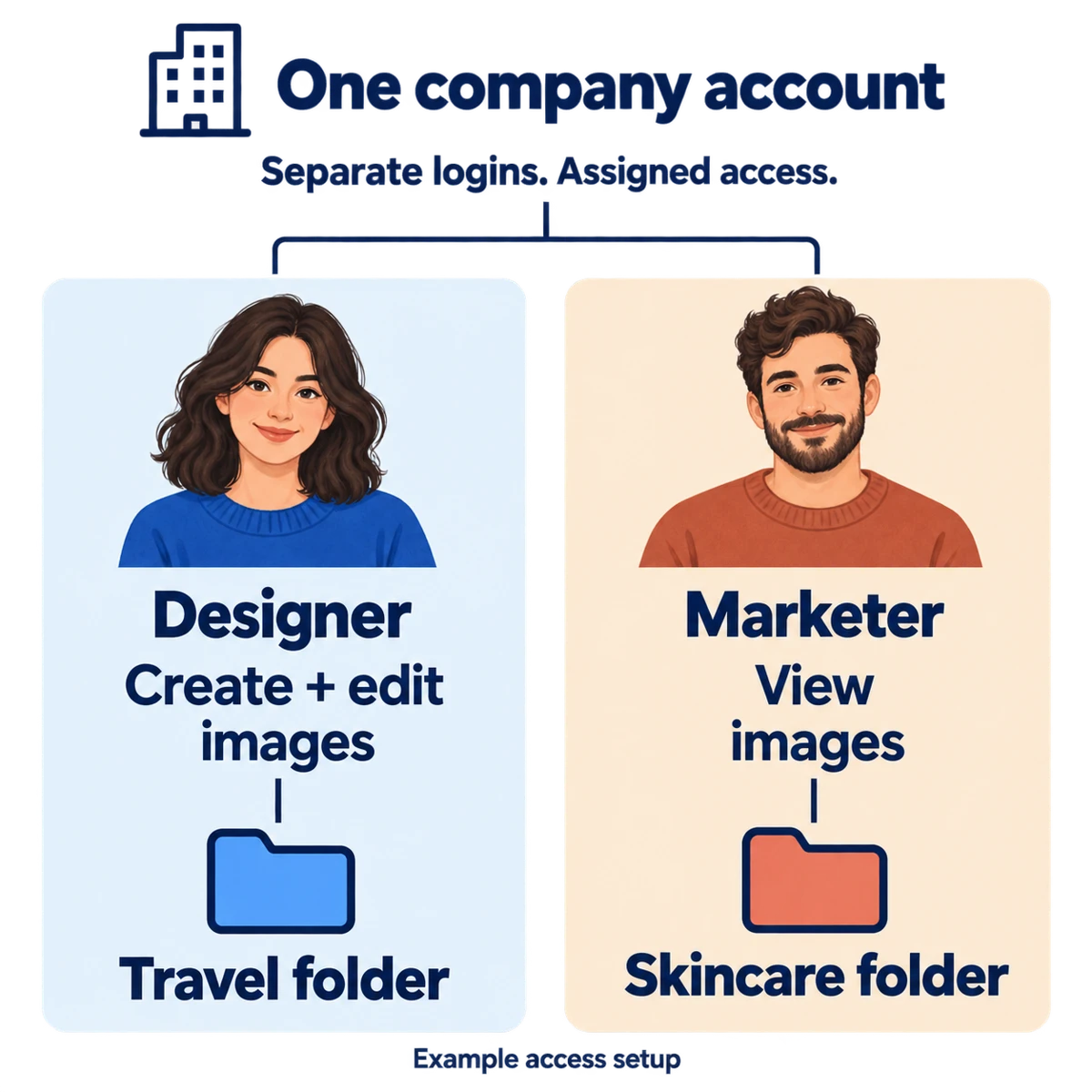
For example, a travel team can work on hotel offers while a skincare team prepares a product launch. Both work in your company account, with access set for their own folders.
One company account
Create and edit
hotel campaign images
Create and edit
product launch images
Set up a role.
Reuse it for your team.
When another designer joins a campaign, assign the permissions they need through a named role. Choose whether that role can create, edit or delete images, manage folders, or use Web APIs and Data Sources.
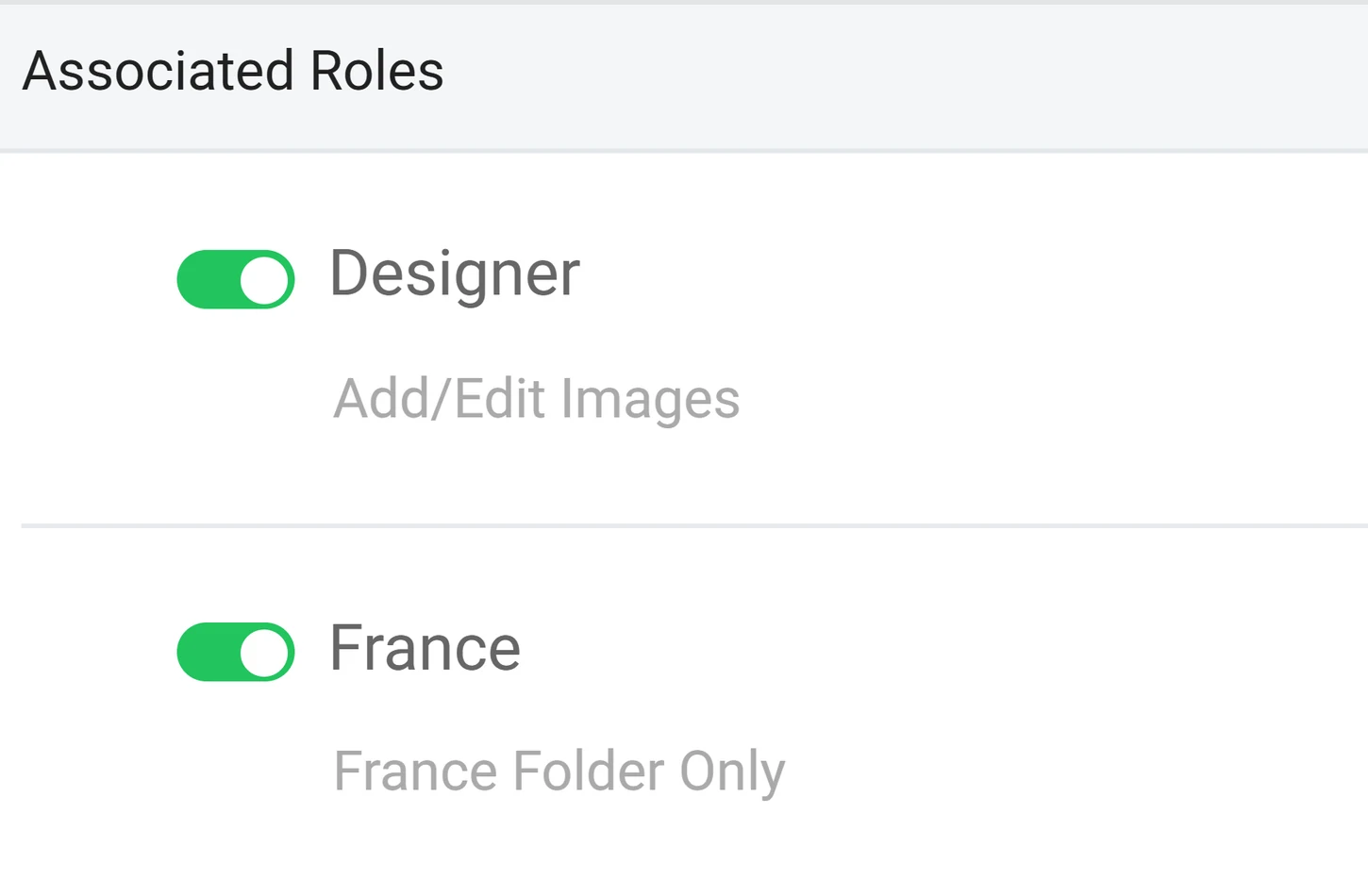
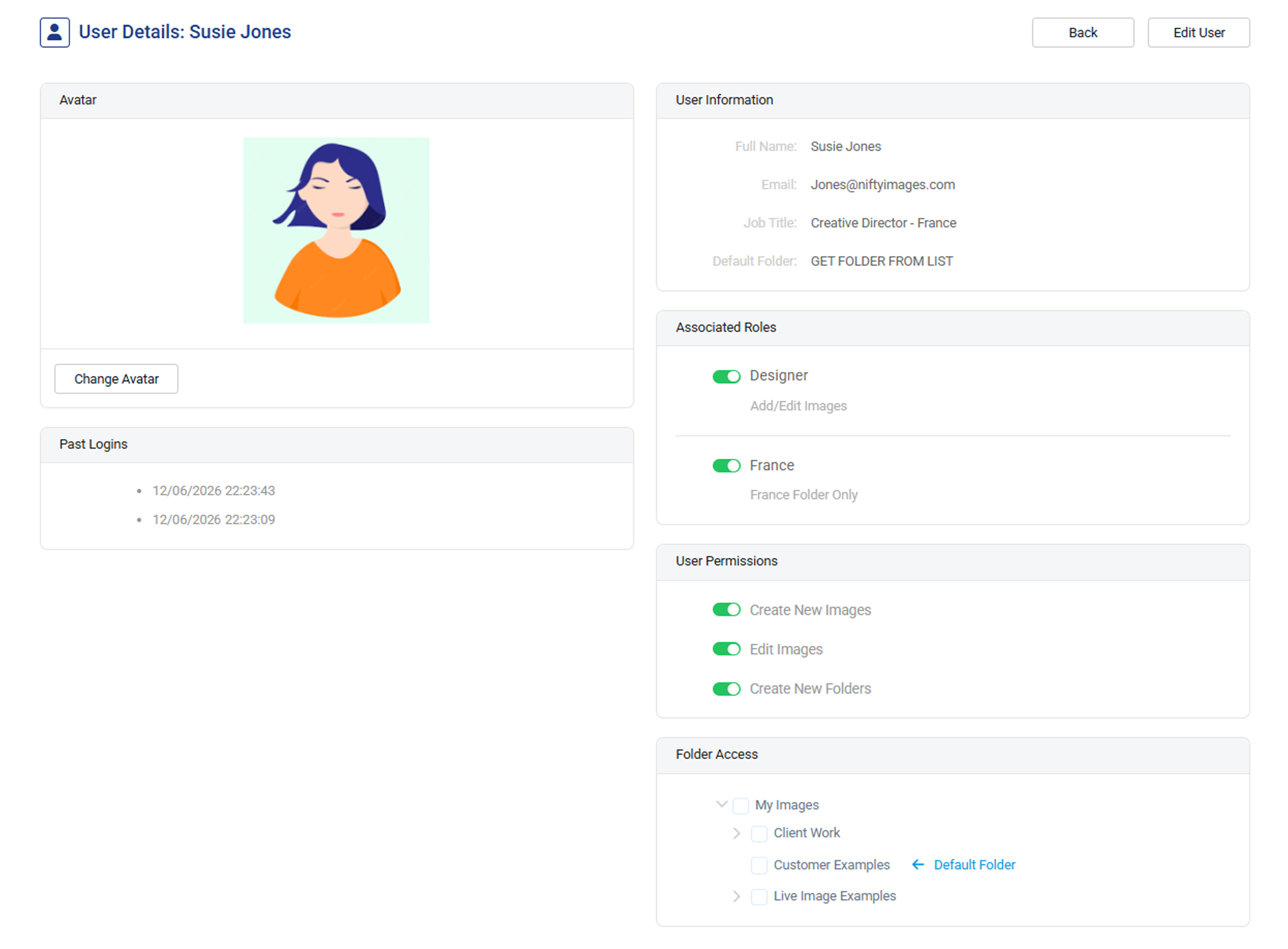
A person can have more than one role. In this product example, Susie has a Designer role and a France role, combining image work with a regional assignment.
Roles add permissions and folder access together. Check every assigned role and the person's own settings when limiting access.
Choose what each
person can change.
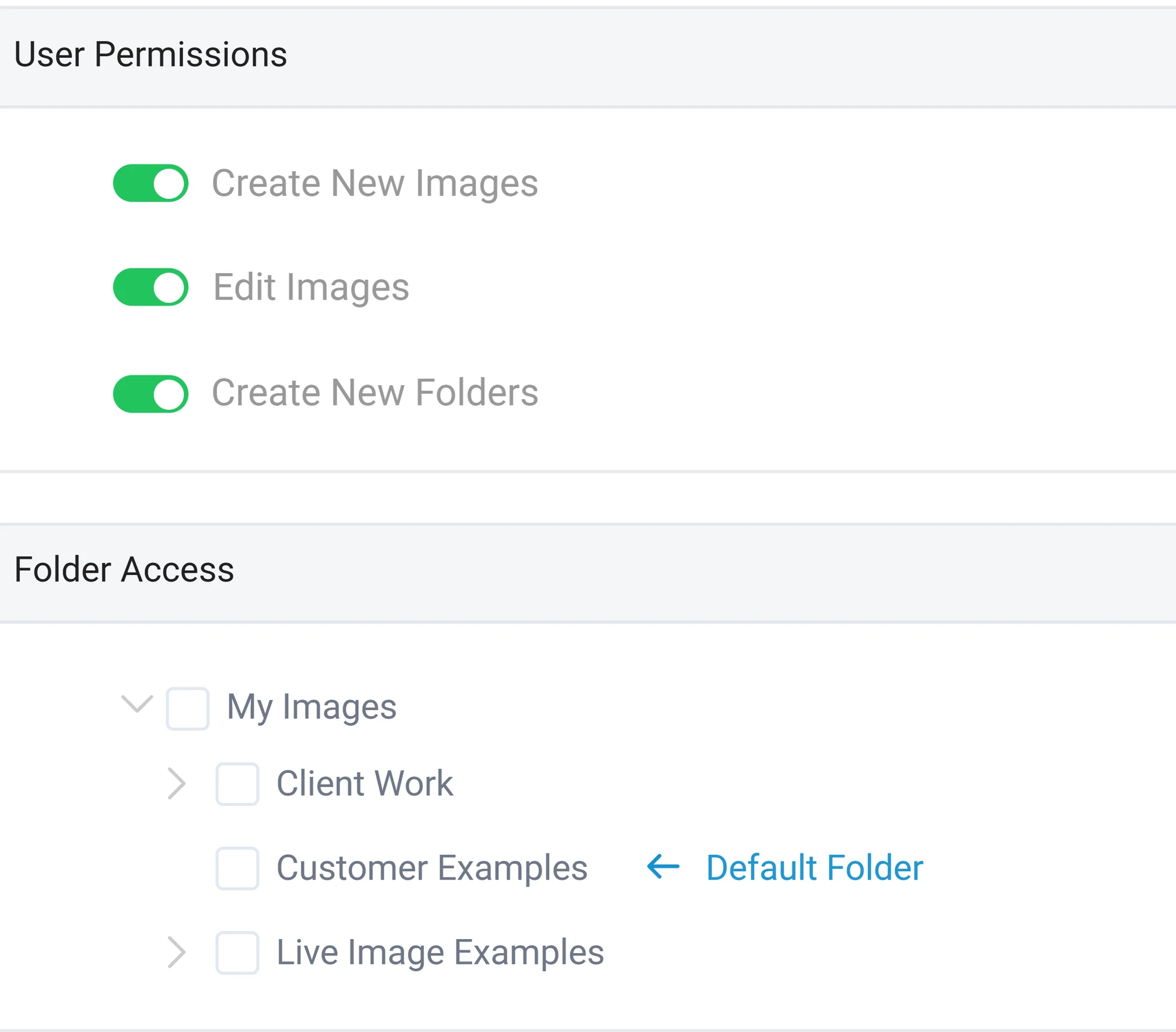
Give a designer permission to create and edit images without granting permission to delete them. Keep Web API and Data Source access with the people responsible for those connections.
Select folders per person or through their roles. For a team testing new creative, restrict its access to a test folder and keep live campaign folders outside that assignment.
The product example shows individual image permissions and folder access. Your administrator chooses the settings for each user.
Bring the next person
into the right work.
Each person uses their own username and password. Your team signs in through the agency login URL you configure for your company.
Organize the campaign folders
Group images by client, brand or working team. Decide which folders each person needs.
Define the role and its permissions
Choose allowed actions and folder access. Reuse the role for people doing the same work.
Create the user and assign access
Set their individual login, assign roles and review any additional permissions or folders before sharing the agency login URL.
Your next campaign.
The right people.
Create your NiftyImages account, then talk with us about Enterprise access for your team.
Create an account